














A sensor’s catalogue range is a starting point, not a promise about every object on a production line. For the C3Z-D100 photoelectric sensor, an equipment builder should connect three decisions: what the real target looks like, how the small body can be mounted, and what the controller input expects. A repeatable setup record is more useful than simply choosing the longest distance.
Start with the exact sensor and the real target
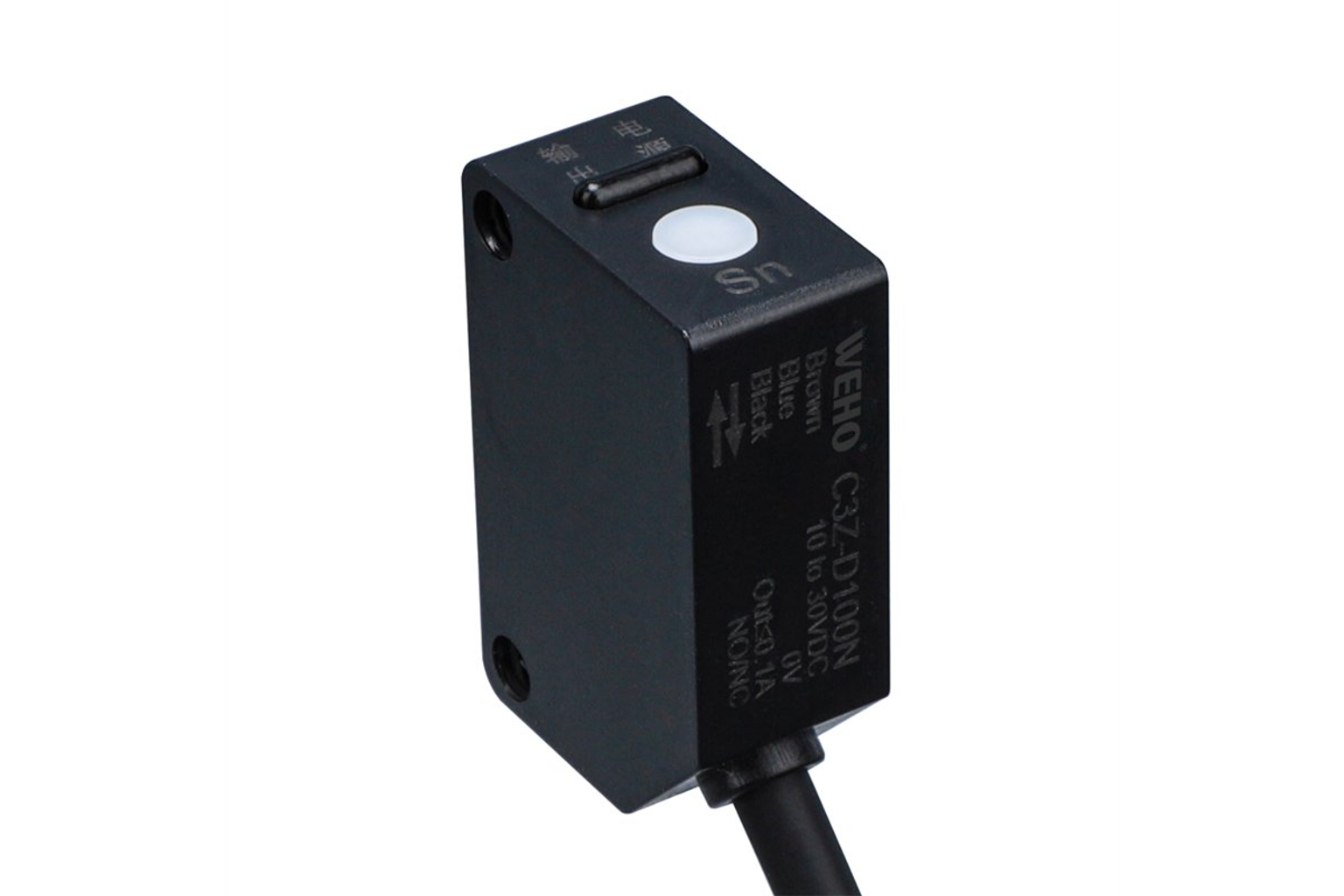
Ο official WEHO C3Z-D100 page lists NPN and PNP variants. The photographed unit used here is C3Z-D100N, an NPN diffuse-reflective sensor. Its original plate states 10 to 30 VDC and Out0.1A. Diffuse reflection uses the target’s own returned light; it is not a separate emitter/receiver arrangement or a reflector system.
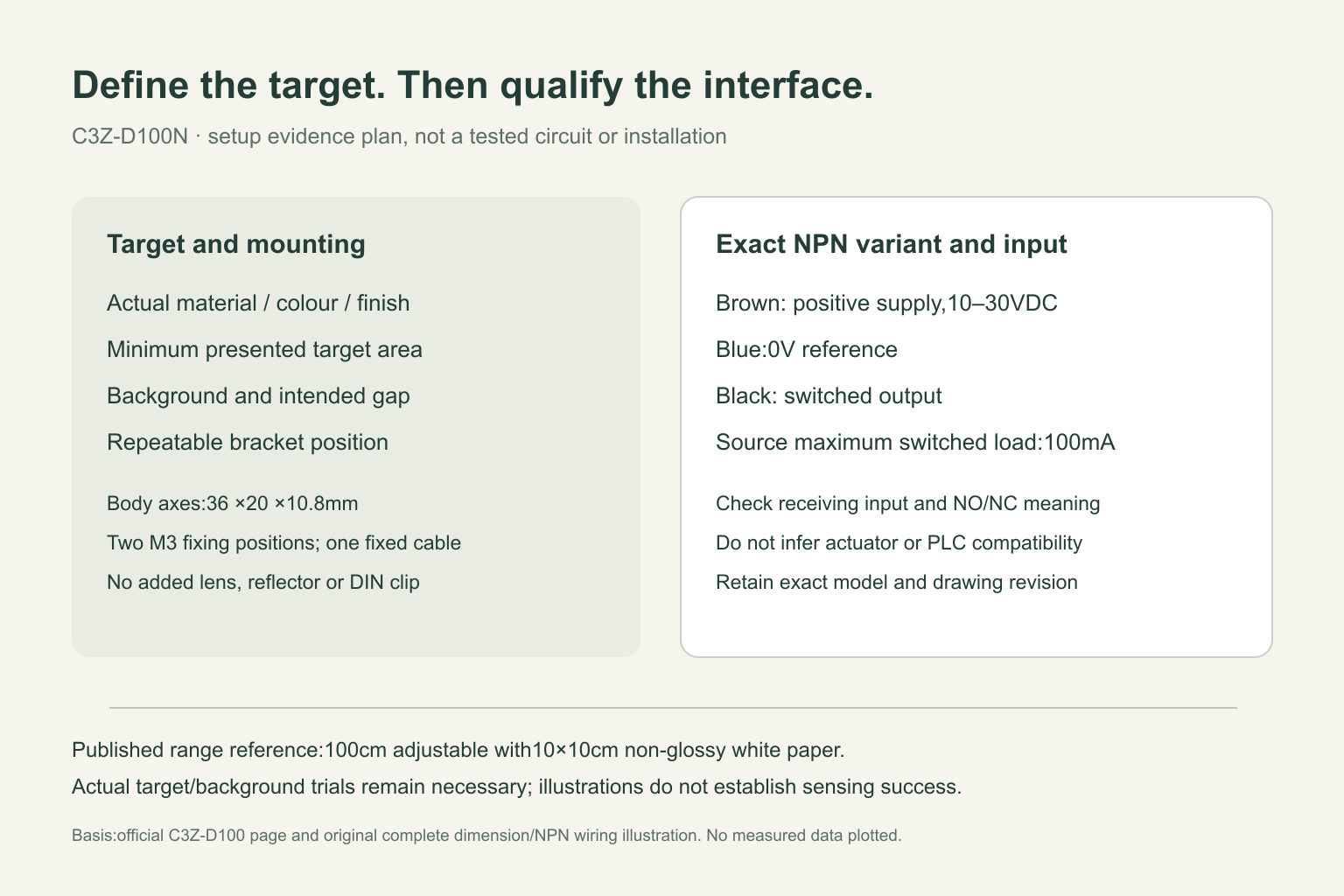
The published adjustable 100 cm range is associated with a 10 × 10 cm non-glossy white-paper standard target. That reference is not a guarantee for a black carton, a glossy printed patch, a transparent film or a narrow paper edge. Define the target first: material, colour, finish, smallest presented area and the gap at the intended mounting point. Keep an actual worst-case sample with the setup record instead of relying on a photograph of the easiest sample.
Separate presence detection from a safety function
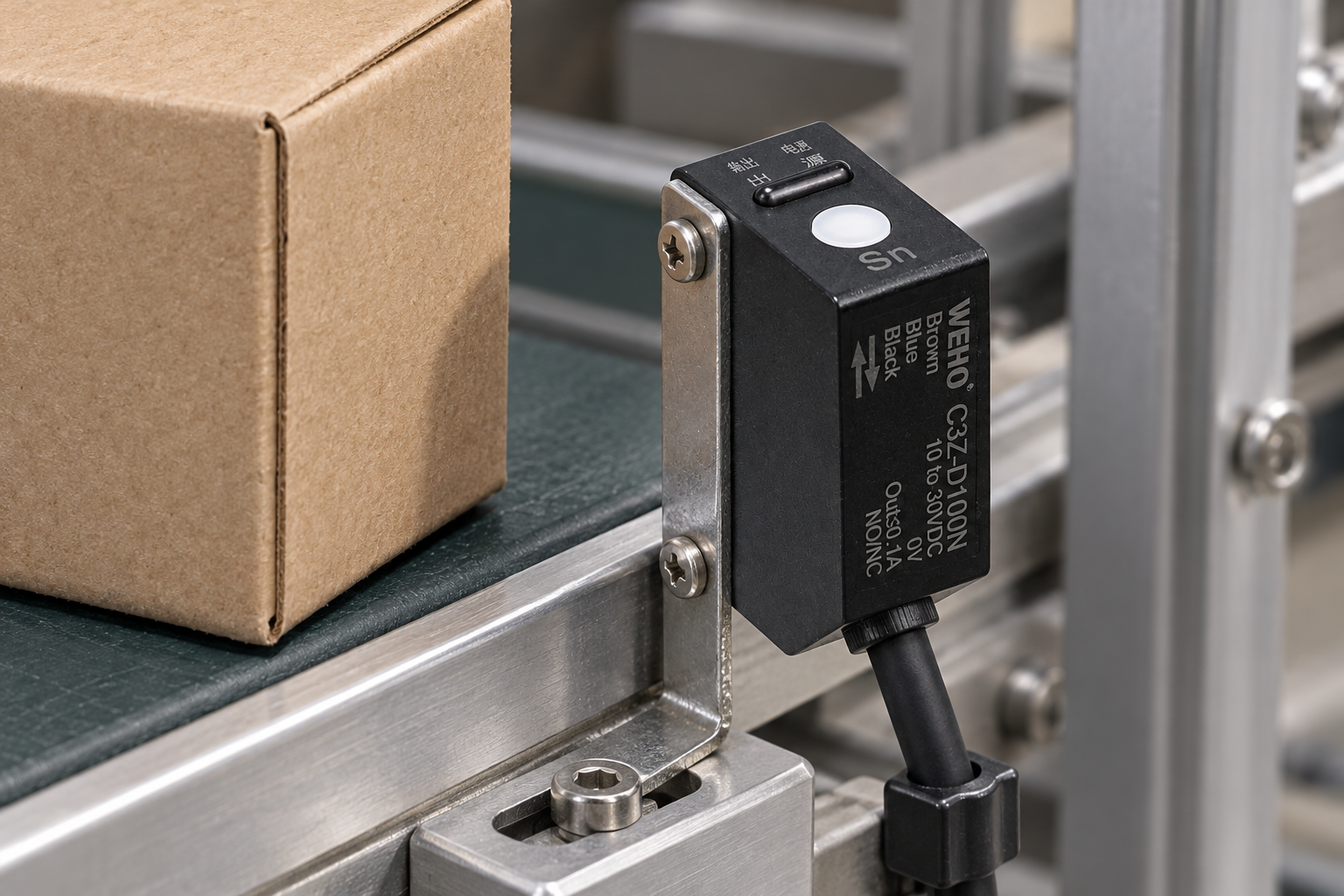
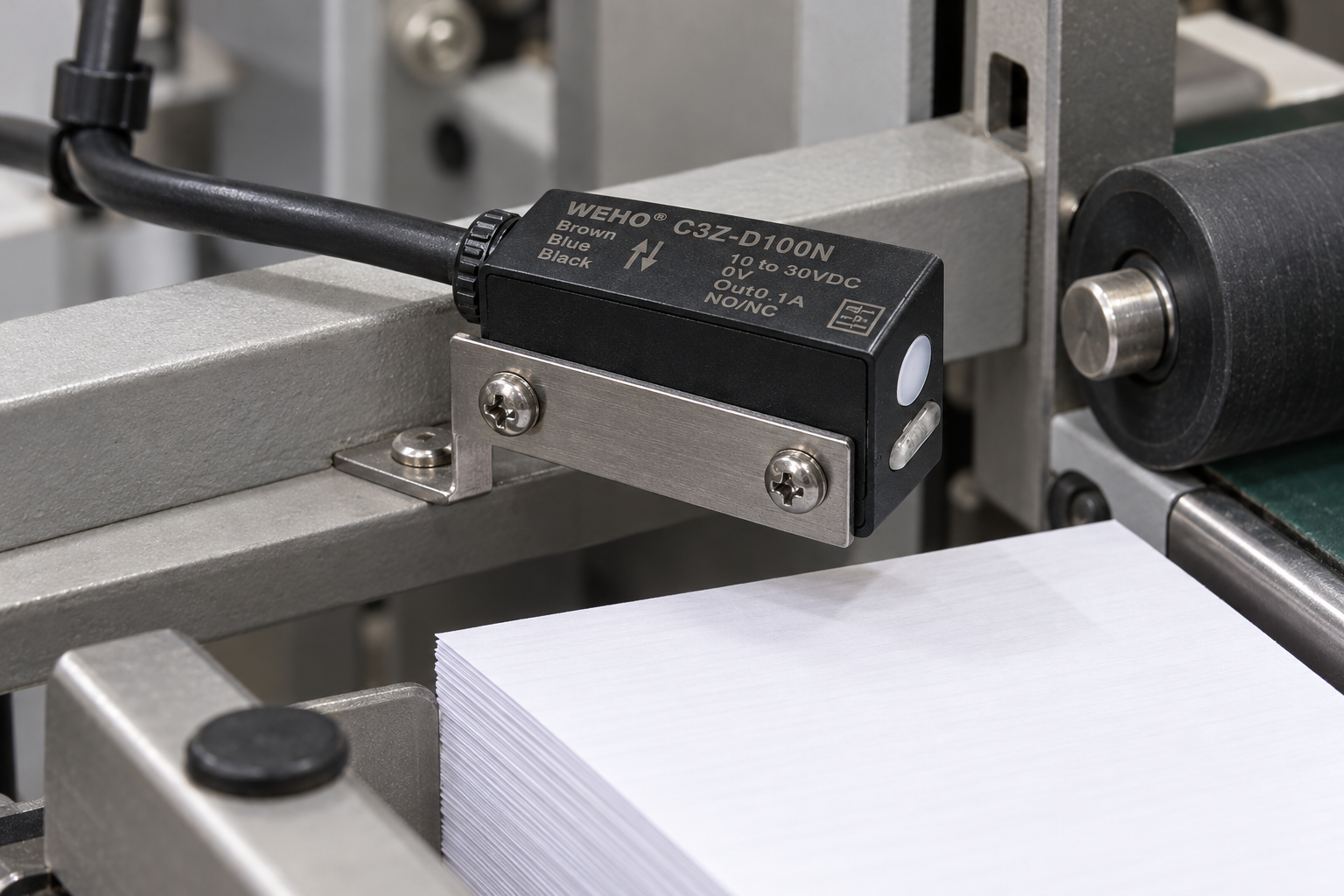
At a carton transfer station, a presence signal may be useful for an equipment sequence if the complete machine design supports it. At a paper stacker, the relevant target may instead be the end of a stack or an exposed sheet edge. These are different optical conditions even when the sensor part number is unchanged. Neither illustration establishes detection performance, controller compatibility or a machinery safety function.
Before purchasing a batch, describe the unwanted result as carefully as the wanted one. A background guide, a second carton, a shiny bracket or paper dust may change the returned light. Arrange a controlled trial that presents both target and background through the relevant positions. Record uncertain transitions rather than explaining them away as an operator mistake. Where the process cannot tolerate a missed or false event, the machine designer must decide whether this sensing method is appropriate at all.
Mount the small body without turning it into a different product
The complete drawing identifies a body long axis of 36 mm, an across-body axis of 20 mm and a thickness of 10.8 mm. These describe the body, not a mandatory vertical orientation. The two M3 mounting positions are on the broad mounting plane; that plane must not be treated as a newly invented optical lens. The illustrated small slotted bracket allows a physical position to be established without assigning a DIN-rail clip that the sensor does not have.
Leave access to the original setting button and indicator region, and arrange the existing sensing surface toward the intended target. Provide a credible route and strain relief for the single fixed black cable. A mounting drawing does not establish an acceptable screw torque, every permissible cable bend or an environmental rating, so obtain those missing installation requirements before final assembly. A bracket that moves under normal machine vibration can invalidate an otherwise careful optical setup.
Check the input circuit before choosing NPN or PNP
The original NPN diagram uses brown for the positive supply, blue for 0 V and black for the switched output. The load is represented between the positive rail and the black output. The stated 100 mA maximum concerns switched-load current; it is not a reason to assume the sensor can directly drive an arbitrary actuator.
Have the controls engineer check the actual receiving input, supply reference and signal interpretation. Do not select an NPN unit merely because an existing drawing also contains three wire colours. Confirm the precise variant on the order and on incoming goods. Keep NO/NC selection separate from the PLC logic: an electrically valid input can still have the wrong meaning for a machine sequence. Test the required state with target present, target absent and during the agreed startup procedure.
Make setup reproducible across machines
A practical acceptance record should identify the exact variant, target samples, bracket position, target/background clearances, input configuration and the agreed setup procedure. Record who checked the machine interaction and what remained unresolved. For procurement, ask the supplier for the matching instructions and drawing revision rather than treating a product-page summary as a complete commissioning manual.
For a repeated build, retain the rejected samples as well as the satisfactory ones. That gives purchasing, assembly and controls teams the same boundary conditions when another finish or paper grade arrives. The goal is not a universal distance setting: it is a documented application window that a qualified equipment team can evaluate and reproduce.
Frequently asked questions
Does the 100 cm figure apply to every carton?
No. It is a published reference tied to a specified white-paper target. Evaluate the actual material and background at the intended position.
Can the pictured D100N be ordered as a PNP substitute?
Do not assume that. The page lists a separate D100P variant. The controller interface and exact order must be checked; the D100N photographs must not be relabelled as D100P.
Do these application images show a completed installation test?
No. They are source-referenced installation and target-position illustrations. No detection result, machine acceptance or measured performance is represented.