

Power supply derating determines the continuous output available under the actual temperature, altitude, input, mounting, and cooling conditions. Read the exact model’s curves and notes, convert each applicable limit into the same output unit, and follow its rule for simultaneous conditions. A working-temperature range does not promise full output across that range. Keep the resulting continuous ceiling separate from load margin, startup demand, and over-temperature shutdown.

فهرست مطالب
Define the operating point before reading a curve
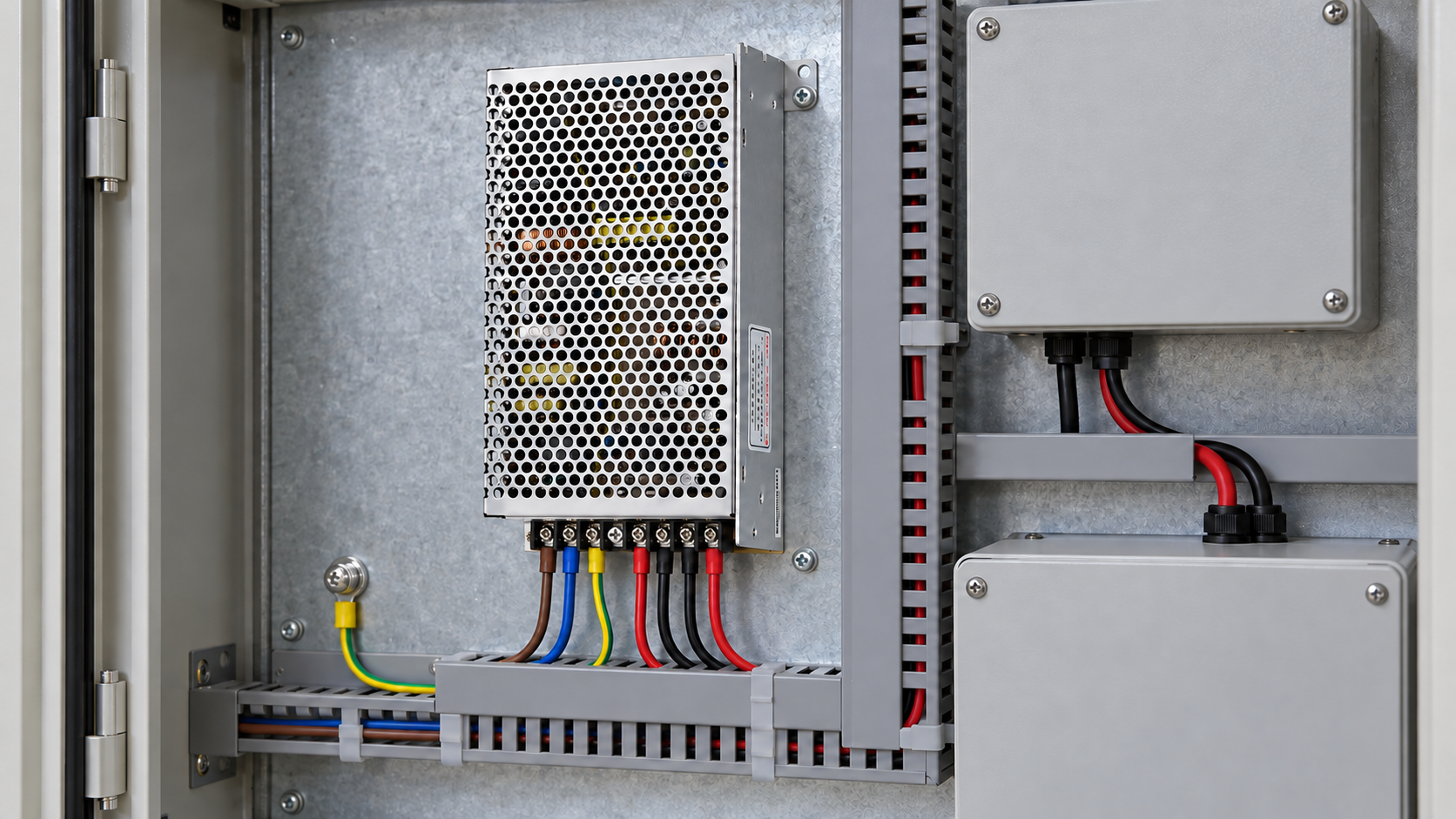
Write down the complete model and output suffix, the lowest supply voltage expected at its input, the local temperature at the manufacturer’s defined reference point, and the installed orientation. Add enclosure arrangement, neighboring heat sources, cooling method, altitude, and continuous output demand. A derating value without these conditions is difficult to use in a design review.
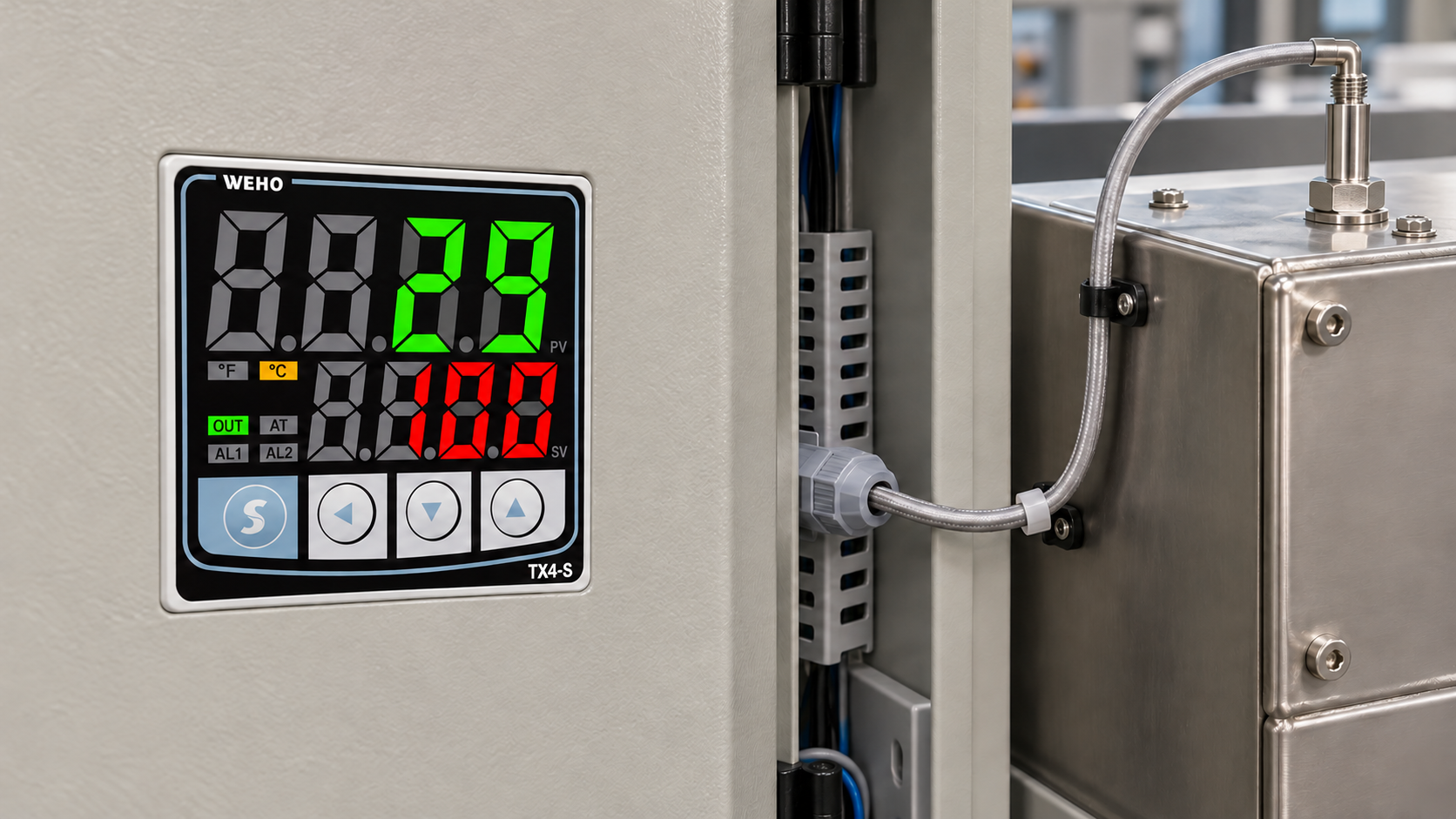
The relevant temperature is not automatically the room temperature or the cabinet door display. Air arriving at the supply may already have passed a drive, transformer, or another power supply. Follow the measurement location specified for the model. Do not substitute case temperature for ambient temperature unless the documentation explicitly uses case or baseplate temperature.
The referenced power-supply precautions illustrate how temperature, mounting, and cooling affect the permitted loading. Apply that reading process to the candidate’s own curves and temperature reference point.
Read the axes, conditions, and usable region together
First identify what the vertical axis represents: output current, output power, or percentage of a stated rating. Then identify the horizontal variable and the separate curves for input voltage, cooling, or mounting. Check whether the curve covers continuous operation or a time-limited boost. A short-duration overload allowance cannot replace the continuous thermal limit.
| Document item | What to record | What changes the result |
|---|---|---|
| Temperature curve | Defined temperature point, selected curve and permitted continuous output | Different orientation, air path, adjacent heat or cooling arrangement |
| Input limit | Minimum input at the terminals, frequency or DC-input condition where applicable | Low-line sag, a different input variant or a restricted input operating region |
| Mounting note | Allowed direction, specified clearances and any alternate-mounting restriction | Rotating the supply or placing a duct across its airflow path |
| Cooling basis | Natural convection, specified forced air, or baseplate temperature | Fan deterioration, filter restriction or an unverified heat-transfer interface |
| Altitude | Installation elevation, permitted operating altitude, and any thermal or input restrictions | Lower air density and a different insulation or cooling limit at the installation site |
| Combination rule | One combined curve, independent ceilings, or an explicit factor calculation | Assuming different restrictions can be combined without instructions |
Use interpolation only where the manufacturer permits it and where the curve is readable at the precision the decision needs. A point outside the documented region needs clarification; extending a straight line is not evidence of an allowed operating condition. Retain the source revision and the curve label with the result so another engineer can reproduce the reading.
Input and output limits also need a common basis. If a limit is given in watts, the corresponding current at a specified output voltage is I = P ÷ V. Check the separate current rating and voltage-adjustment restrictions as well. An adjustable supply set above nominal voltage may reach its power limit before its nominal current limit.
Mounting and cooling are part of the rating
A supply that fits sideways may not retain its standard-orientation output. This manufacturer’s mounting guide explains how orientation changes convection. Check which proposed positions the candidate permits and which output limit applies.
The same distinction applies to “fanless.” Natural convection still requires an air path. A sealed cabinet can develop a local environment different from the test arrangement. A designed baseplate transfers heat through a defined conduction path, as explained in this sealed-enclosure cooling guide. Bolting an ordinary metal case to a plate does not establish that cooling performance.
When comparing DIN rail and chassis mounting formats, retain cooling space in both layouts. A larger nominal wattage may be one option, but a different position, documented cooling method, or lower local temperature can be more effective. Evaluate each revision using its own evidence.
Include altitude in the thermal and insulation check
At higher altitude, check two engineering limits separately:
- Cooling limit. Lower air density makes air cooling less effective. The exact model may require a reduced continuous load or a lower maximum local ambient temperature at the installation elevation.
- Electrical insulation limit. Air also provides electrical insulation. Check the model’s permitted operating altitude and electrical-clearance restrictions; reducing output load alone does not establish adequate electrical clearances.
A manufacturer’s explanation of altitude effects describes both mechanisms. Check the exact model’s maximum operating altitude, any altitude-related input or overvoltage-category restrictions, and its thermal derating instructions. Use the stated temperature correction, load factor, or combined curve where supplied. A threshold or percentage from another supply is not a WEHO rating. If the interaction is unspecified, ask for the permitted continuous output at the site’s altitude together with the input, local temperature, and cooling conditions.
Worked example: 300 W nominal becomes a 220 W ceiling
Hypothetical calculation example: a 24 V, 300 W supply has a 12.5 A current rating. Assume its temperature-and-mounting limit is 80% of nominal power at the selected operating point. Also assume a separate 220 W low-input ceiling applies at that same point, with an explicit rule that the lower of these independent ceilings governs. These are teaching assumptions, not WEHO ratings.

| مرحله | Calculation | Result |
|---|---|---|
| Thermal and mounting ceiling | 300 W × 0.80 | 240 W |
| Low-input ceiling | Assumed separately confirmed limit | 220 W |
| Available continuous power | Minimum of 300 W, 240 W and 220 W | 220 W |
| Current at 24 V | 220 W ÷ 24 V | 9.17 A, rounded |
| Application continuous load | 24 V × 8.5 A | 204 W |
| Remaining power below the ceiling | 220 W − 204 W | 16 W |
The load uses 204 ÷ 220 = 92.7% of the available continuous output, even though it uses only 68% of the 300 W nameplate power. That distinction matters when a purchasing comparison appears to show generous spare capacity.
If the OEM requires continuous loading no higher than 90% of the derated ceiling, the allowed project load is 220 W × 0.90 = 198 W. The 204 W load misses that project target by 6 W. The 90% value is an example design policy, not a universal power supply requirement. Choose a different candidate, improve the operating conditions, or revise the supported load requirement.
This minimum rule only works under the assumed confirmation that the ceilings apply together. If a real document requires multiplicative factors or supplies a combined curve, use that method instead. If the interaction is unspecified, ask for the allowed continuous output at the combined operating point.
Keep continuous derating separate from startup and shutdown
A continuous-output calculation does not settle startup compatibility. Check the amplitude, duration, and repetition of the DC load’s startup or transient demand against the exact supply’s output behavior. Separately assess AC input inrush when several supplies start together. The DC current budget and the AC charging event are different requirements.
Over-temperature protection is also a different function. A supply that has not tripped may still be operating outside its documented continuous region. Record expected steady output and relevant temperature limits before the test; absence of a shutdown is not a thermal acceptance criterion.
Plan the cabinet trial around the assembled configuration: representative load states, minimum input, intended covers, actual fan/filter arrangement, and the neighboring equipment that contributes heat. Record the local temperature and accessible manufacturer-specified case or component measurement points after conditions stabilize. Keep measurement uncertainty visible when the result is close to a boundary.
Start with the operating conditions for a WEHO candidate
Start with the installation conditions, even if the model is still open. Once a candidate is identified, use its installation instructions and derating data to establish the continuous-output limit at that operating point.
Keep the allowed load, document revision, measurement basis, and cabinet arrangement together. Recheck the result when a later machine revision moves the supply, changes cooling, increases load, or moves the equipment to a different altitude.
Contact WEHO about model-specific derating. Four inputs can start the inquiry: input voltage range; output voltage and load profile; local temperature and site altitude; and mounting orientation with the cooling arrangement. Add the full candidate model if known.
Optional project record: Download the derating operating-point sheet (CSV). Use it to record your own inputs and evidence; example entries are illustrative.