














Last Updated: 2026-09-02
causes of power supply failures most often involve excessive heat, sustained overload, abnormal input voltage, surges, blocked airflow, contamination, vibration, loose connections, aging components, or a supply that was not matched to the application. Preventive action starts with correct sizing, documented derating, clean installation, secure wiring, surge coordination, and regular inspection under real operating conditions.
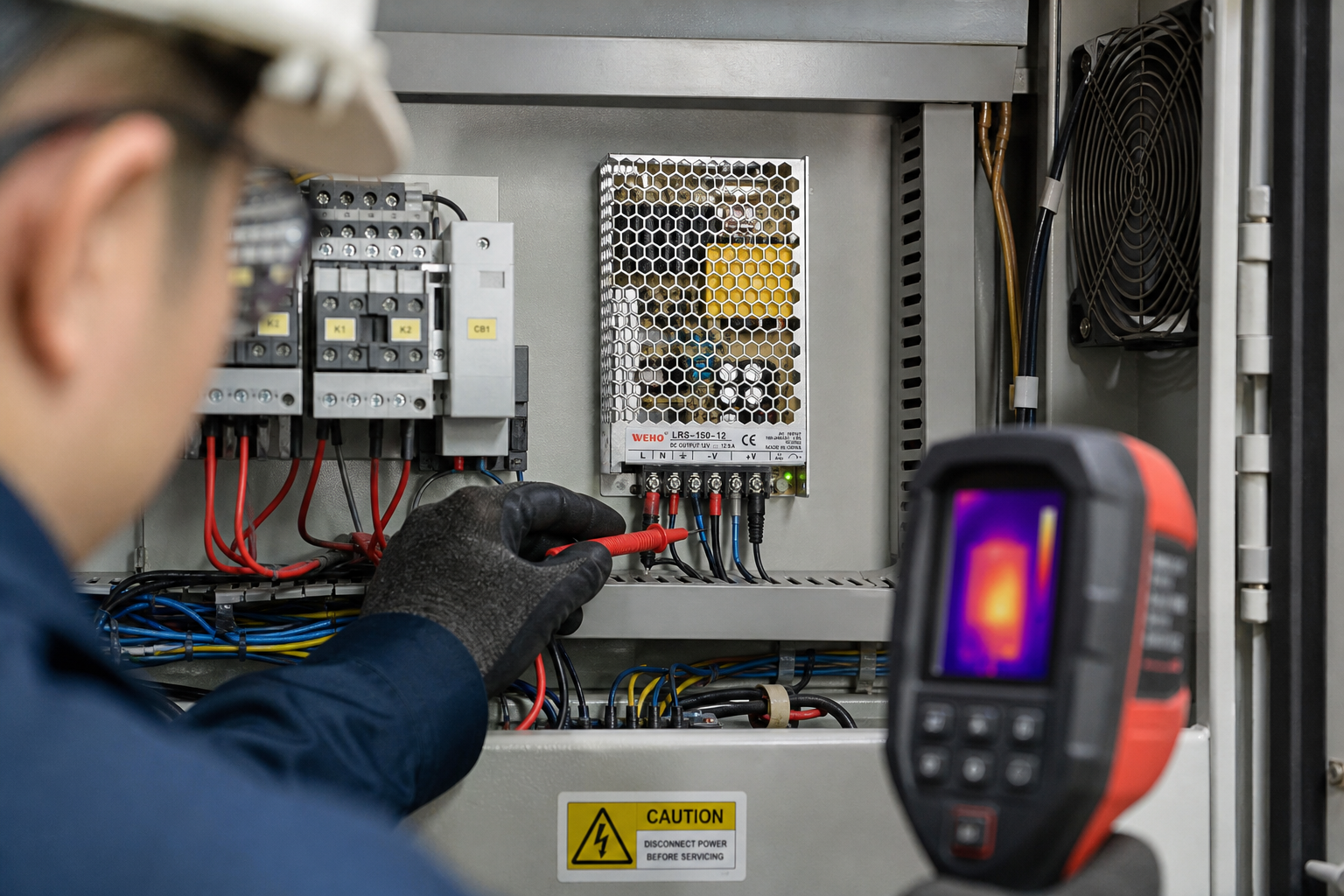
causes of power supply failures begin with application conditions
The leading causes of power supply failures are usually connected to heat, electrical stress, environment, wiring, or incorrect selection rather than one mysterious internal defect. A supply may stop completely, restart repeatedly, produce low voltage, become noisy, or fail only after warming. Each symptom needs a system-level investigation.
Exposed mains terminals and stored energy are hazardous. Isolate and verify the safe condition before inspecting wiring. Qualified personnel should perform live measurements, and internal repair should be limited to authorized facilities with suitable isolation and test equipment.
1. Excessive temperature
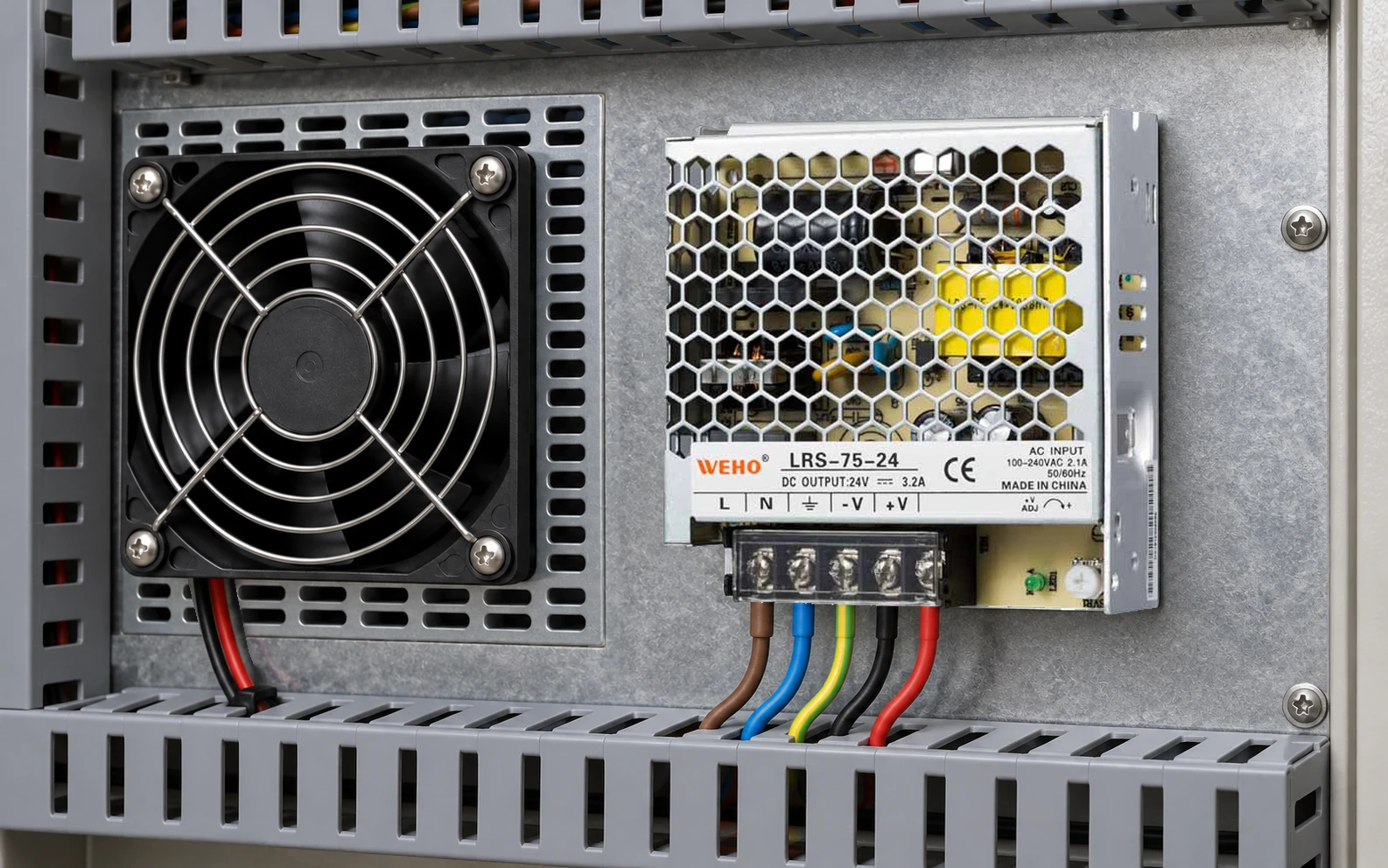
High temperature accelerates the aging of electrolytic capacitors, insulation, fans, and semiconductor junctions. The relevant temperature is inside the enclosure and near the supply, not only the room temperature. Blocked vents, insufficient spacing, nearby drives, solar gain, and dense cabinet layouts can all raise it.
Apply the manufacturer’s temperature derating, mounting orientation, and clearance rules. Measure temperature during the worst production cycle and inspect filters and fans on a defined schedule.
2. Continuous overload

A load that exceeds rated current increases loss and heat. Current limiting or hiccup protection is a protective response, not a normal operating condition. Repeated cycling stresses the supply and the connected equipment.
Calculate continuous current and short peaks separately. Motors, solenoids, lamps, capacitive loads, and controllers may draw a much higher current during startup. Include ambient and input-voltage derating before deciding that nameplate wattage is sufficient.
3. Abnormal input voltage and dropouts
Undervoltage can increase input current or prevent stable startup, while overvoltage can stress input components. Loose contactors, long feeder runs, weak generators, incorrect selector settings, or repeated dropouts may produce an intermittent symptom.
Measure the input during the event rather than only when the system is idle. Confirm frequency and waveform requirements for generator or inverter sources.
4. Surges and transients
Lightning-induced events, utility switching, contactors, motors, and inductive loads can create transients. Built-in protection has limits. A coordinated system may require upstream surge protective devices, correct grounding, short conductors, and suppression at the disturbance source.
Select protective devices for the actual exposure and applicable standards. A damaged surge component or repeated unexplained fuse operation requires investigation, not automatic replacement.
5. Blocked airflow or fan wear

Fan-cooled models depend on airflow direction, filter condition, and fan health. A fan may become noisy, slow, or stop as bearings wear. Natural-convection models still require free space around ventilation openings.
Do not bypass thermal protection. Replace fans only with authorized parts and procedures, and recheck temperature under maximum load after service.
6. Dust, moisture, and corrosive contamination
Dust reduces heat transfer and can become conductive when mixed with moisture. Oil mist, salt, chemicals, and condensation can corrode terminals and circuit assemblies. Select an enclosure and ingress protection strategy for the environment.
De-energize before cleaning and avoid compressed-air methods that drive contamination deeper into equipment. If internal corrosion is present, use authorized service or replacement.
7. Loose or damaged connections

Incorrect torque, poor crimping, loose strands, vibration, and thermal cycling increase contact resistance. The resulting heat can discolor terminals, melt connectors, reduce output voltage, or cause arcing.
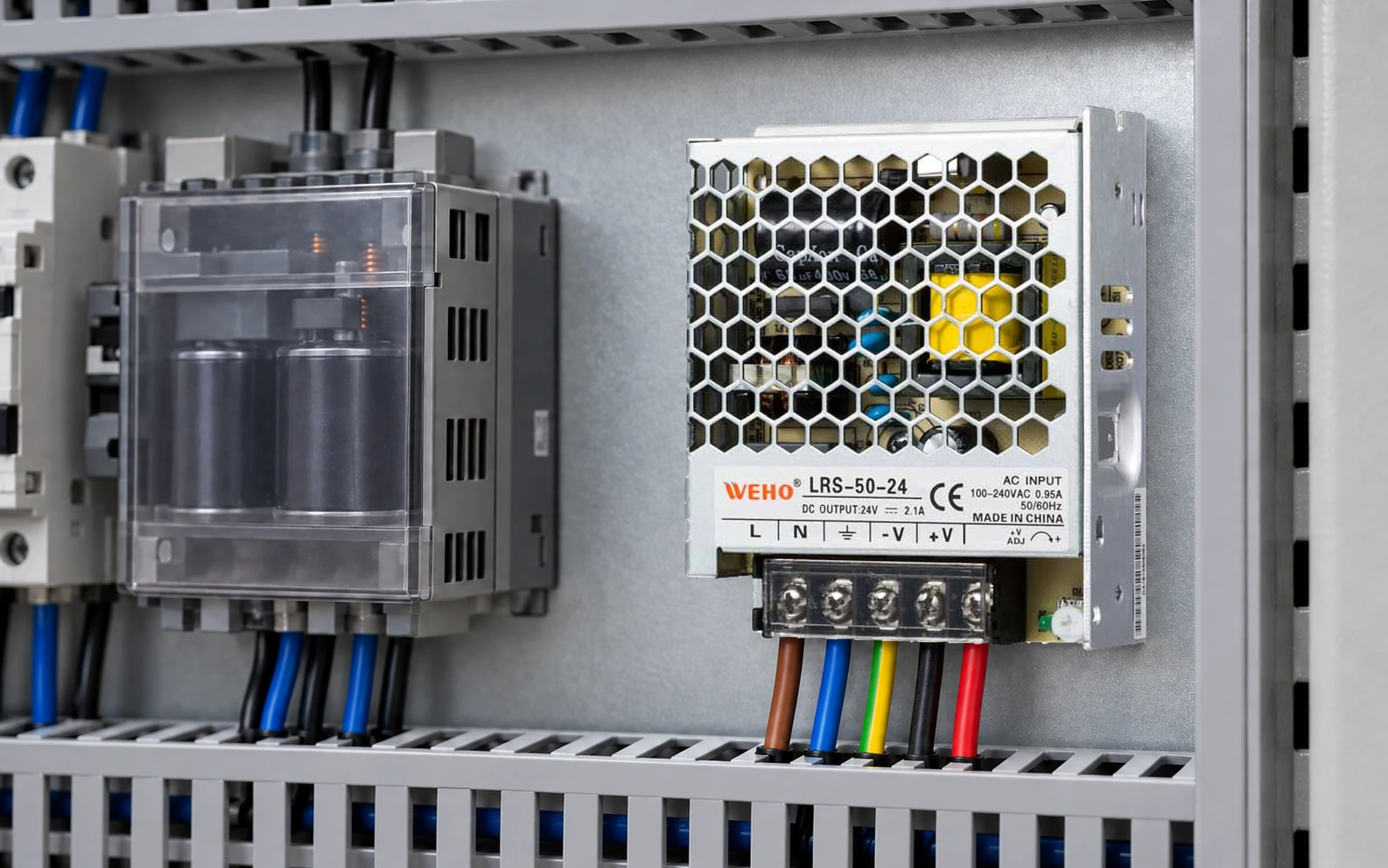
Use specified conductors, ferrules or lugs where required, strain relief, and documented terminal torque. Inspect both positive and return paths because a return fault can create the same symptom as a positive-conductor fault.
8. Vibration and mechanical stress
Machinery vibration can loosen terminals and fatigue conductors, connectors, solder joints, or heavy components. Unsupported cables transfer force into terminal blocks. Shock during shipping can also damage a supply before commissioning.
Mount on a rigid surface using all required points, support cables, and verify that the model is suitable for the vibration environment. Investigate intermittent faults by recording when vibration and load events occur.
9. Component aging
Capacitors dry with time and heat, fans wear, relays accumulate operations, and insulation experiences electrical and thermal stress. Aging may first appear as increased ripple, difficult cold start, reduced hold-up, or failure after warm-up.
Trend output voltage, ripple using a correct measurement method, temperature, and fan condition. Replace or service before a critical failure when performance moves outside the documented limit.
10. Incorrect product or system selection
A supply chosen only by voltage and wattage may be unsuitable for the load’s startup behavior, ripple tolerance, cooling, input source, mechanical format, environment, or protection coordination. Replacing a failed unit with an identical one will not help if the application cause remains.
Use the WEHO enclosed switching power supply category to compare approved formats and the WEHO LRS-150 page as a real product reference. Verify the exact output variant and documentation for the application.
Prevention and troubleshooting sequence

Document the input, output, load list, startup current, ambient temperature, mounting, airflow, and fault timing. With power isolated, inspect protection, wiring, polarity, terminal condition, selector settings, contamination, and ventilation. Qualified personnel can then verify input and output under controlled load.
For symptom-by-symptom testing, use the internal guide Power Supply Not Working: Troubleshooting Guide. It separates the AC source, supply, distribution, and load so the failed part is not assumed in advance.
اکثر پوچھے گئے سوالات
What is the most common cause of power supply failure?
Excess heat is a frequent contributor because it accelerates component aging. Heat may come from overload, blocked airflow, high ambient temperature, poor mounting, nearby equipment, or a worn fan.
Can an overloaded power supply fail permanently?
Yes. Protection may limit or shut down output, but repeated or prolonged overload still raises temperature and stresses components. Correct the load and startup demand rather than relying on protection as an operating mode.
Do power surges damage switching power supplies?
Surges beyond the equipment and protection system’s capability can damage input components or weaken insulation. Coordinate upstream surge protection, grounding, and installation with the site exposure and applicable standards.
Why does a power supply fail only when it gets hot?
Temperature can expose aged capacitors, poor solder joints, loose connections, fan problems, or operation beyond thermal limits. Record voltage, current, temperature, and timing from cold start to failure.
Can dust cause a power supply failure?
Dust can block airflow and, when conductive or moisture-laden, increase leakage and corrosion risk. Use an appropriate enclosure and maintenance interval; never clean an energized supply.
How can I extend power supply service life?
Apply documented derating, provide airflow and clearance, control contamination and moisture, secure terminals, coordinate surge protection, avoid repeated overload, and inspect current, voltage, temperature, fans, and connectors periodically.
Key Takeaways
- The main causes of power supply failures are heat, overload, input stress, surges, contamination, wiring, vibration, aging, and application mismatch.
- Protection modes should not be used as continuous operating states.
- Measure input, output, current, and temperature during the failing event.
- Correct airflow, conductor, terminal, surge, and enclosure problems before installing a replacement.
- Use documented derating for temperature, input voltage, orientation, and load behavior.
- Keep a maintenance record so gradual change is visible before a critical failure.
نتیجہ
Most causes of power supply failures can be reduced through correct selection, thermal margin, protected wiring, environmental control, and measured maintenance. When a failure occurs, diagnose the complete power path and correct the application stress before replacing the unit.
Compare formats through the WEHO enclosed switching power supply category and LRS-150 product page. For model matching, contact WEHO or email [email protected] with the input source, output requirement, load profile, ambient temperature, enclosure, and fault history.
Review the relevant WEHO product category, email [email protected], or contact WEHO with the input voltage, output load, ambient temperature, and installation details.