














Last Updated: 2026-09-01
power supply not working symptoms should be checked in a safe order: isolate power, inspect wiring and protection, confirm the input, disconnect the load, and test DC output using the manufacturer’s procedure. If output returns unloaded, investigate overload, short circuit, startup current, or cable loss; otherwise, verify settings and use authorized service or a replacement.
power supply not working diagnosis starts with safe isolation
A power supply not working can mean no DC output, low voltage, repeated restart, overheating, excessive noise, or an output that fails only when the load is connected. These symptoms do not all point to the same fault. Use a controlled sequence that separates the AC source, power supply, DC distribution, and load.
Exposed AC terminals and charged internal capacitors can be hazardous. Disconnect and lock out the input where required, verify the safe condition, and allow the documented discharge time before touching wiring. Qualified personnel should perform live input measurements. Do not open the supply enclosure unless authorized service information, training, and suitable equipment are available.
Record the exact model, input rating, output rating, input selector position if present, load description, and symptom before changing anything. Note whether the fault began after installation, a load change, a power event, overheating, or intermittent operation. A clear record prevents several variables from being changed at once.
Define the symptom before testing

Start by observing external indicators and system behavior. Is the input breaker on? Does the supply LED illuminate? Is the output permanently at zero, briefly present, low only under load, or cycling? Does the problem appear immediately, after warm-up, or when a motor, heater, relay, or capacitive load starts?
Check whether every load is affected. If only one branch fails, the source may be healthy and the problem may lie in branch protection, a connector, cable, relay, switch, or device. If the whole DC bus collapses when one branch operates, suspect overload, startup current, a short circuit, shared wiring resistance, or an upstream input problem.
Do not rely only on an indicator LED. Some LEDs remain lit at a low or unloaded output, while others turn off during protection. Measure the electrical condition using the model procedure and a suitable instrument.
Inspect wiring, protection, and settings with power off
With power isolated, inspect the AC input conductors, protective earth, DC polarity, terminal tightness, fuses, breakers, disconnects, remote on/off links, and voltage-adjust controls. Look for loose strands, damaged insulation, corrosion, discolored terminals, melted connector bodies, blocked ventilation, contamination, or signs of water entry.
Verify the AC input selector if the supply uses one. An incorrect selector position can prevent operation or damage the unit. Confirm that upstream protection is appropriate and has not opened. A blown fuse should not simply be replaced repeatedly; first determine why it operated.
Check DC polarity at both the source and load. A reverse connection may trigger protection or damage a device. Confirm that the negative return is complete and that no conductor depends on an unintended chassis or shield path.
Confirm the input source
An AC-DC supply cannot regulate correctly without an input inside its specified range. Verify the building supply, disconnect, breaker, fuse, contactor, emergency-stop circuit, and any upstream filter or relay. Intermittent contacts may pass a no-load check but fail when current increases.
Live input testing should be limited to qualified personnel using rated instruments and safe practices. If input voltage falls during startup, investigate the upstream circuit rather than replacing the DC supply immediately. Also confirm input frequency and DC-input suitability when applicable to the exact model.
For installations fed by generators, inverters, long extension circuits, or weak distribution, observe the input during the failing event. A normal measurement before startup does not exclude a dynamic input drop.
Disconnect the load and test the output

After isolating power, disconnect the DC load or open the protected branches. Re-energize according to the documented procedure and measure directly at the supply output. If the correct voltage returns with the load removed, the source may be responding to an overload, short circuit, reverse connection, excessive startup demand, or faulty downstream wiring.
If output remains absent, verify any remote enable terminal, output inhibit, input selector, adjustable-voltage setting, and required jumper. Compare the symptom with the model’s protection behavior. Some supplies shut down and require input power to be cycled after the fault is removed; others retry automatically.
If the output is stable unloaded, reconnect one branch at a time. Measure voltage and observe current, indicators, sound, and temperature. The branch that causes collapse should remain isolated until its wiring and load are checked.
Find overloads, shorts, and startup problems
Compare the total continuous load with the supply’s rated output after applying documented derating for ambient temperature, input voltage, mounting, and enclosure conditions. Then check short peaks. Motors, solenoids, heaters, lamps, and capacitive electronic loads can demand more current at startup than during steady operation.
A supply that repeatedly starts and stops may be entering hiccup protection. Do not allow indefinite cycling. Isolate branches and look for a shorted cable, failed device, reversed polarity, stalled motor, welded load, or too much simultaneous startup demand.
Measure resistance only on de-energized, discharged circuits and recognize that capacitors can make a normal load appear briefly low in resistance. When uncertainty remains, substitute a known controlled load or use a suitable electronic load rather than repeatedly connecting suspected equipment.
Trace voltage drop through the DC distribution

If the supply terminals show the correct voltage but the device does not, measure at successive points along the positive and return paths under load. A fuse holder, terminal block, relay contact, connector, crimp, cable, or return conductor can introduce resistance.
Voltage drop across a connection is a useful clue. A hot, discolored, or melted connector should be de-energized and replaced after the underlying cause is identified. Tightening a damaged terminal may not restore its original current capacity.
Use conductors and connectors rated for the current, temperature, movement, and environment. Provide strain relief and keep DC power wiring separate from sensitive signal circuits where required. Do not raise the supply voltage to hide an unidentified distribution loss.
Check heat, airflow, and intermittent faults
Some failures appear only after the supply warms. Check ambient temperature at the installation, not just the room. Confirm required clearance, fan direction, filter condition, enclosure ventilation, and heat from nearby drives, relays, lamps, or other power supplies.
Record voltage and symptom timing from cold start through the normal operating cycle. An intermittent fault may be caused by a loose terminal, cracked conductor, worn relay, fan failure, contamination, vibration, or a load that changes with temperature.
Do not spray cleaner into an energized unit or bypass thermal protection. If internal contamination, corrosion, fan damage, or component distress is visible, use authorized service or replacement.
Compare the correct WEHO product family

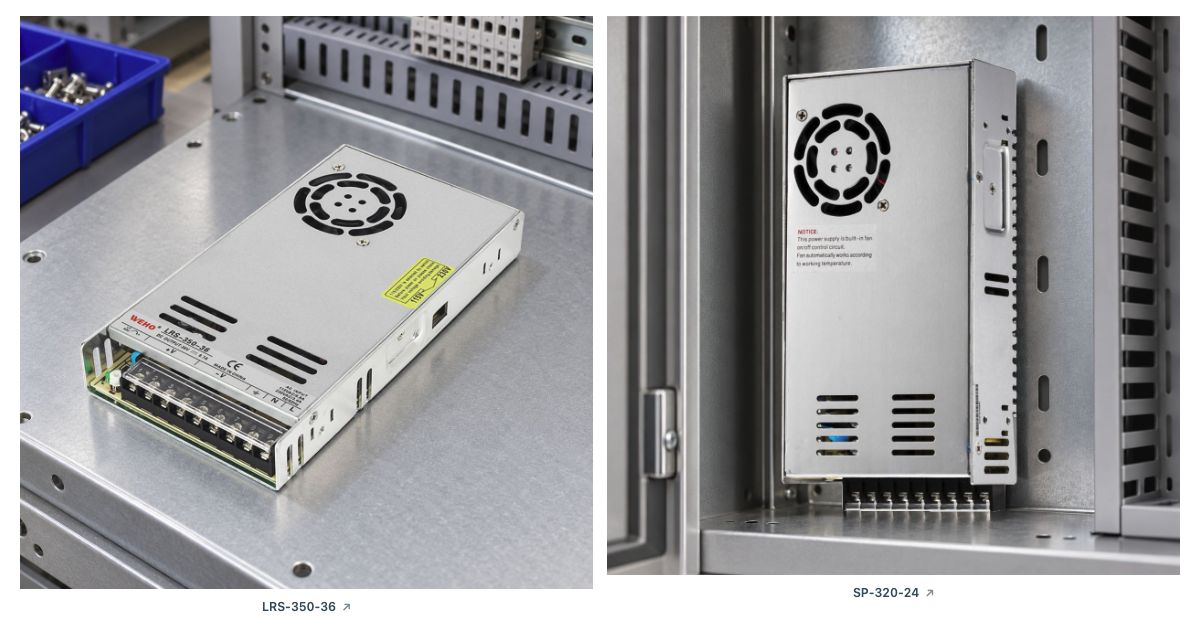
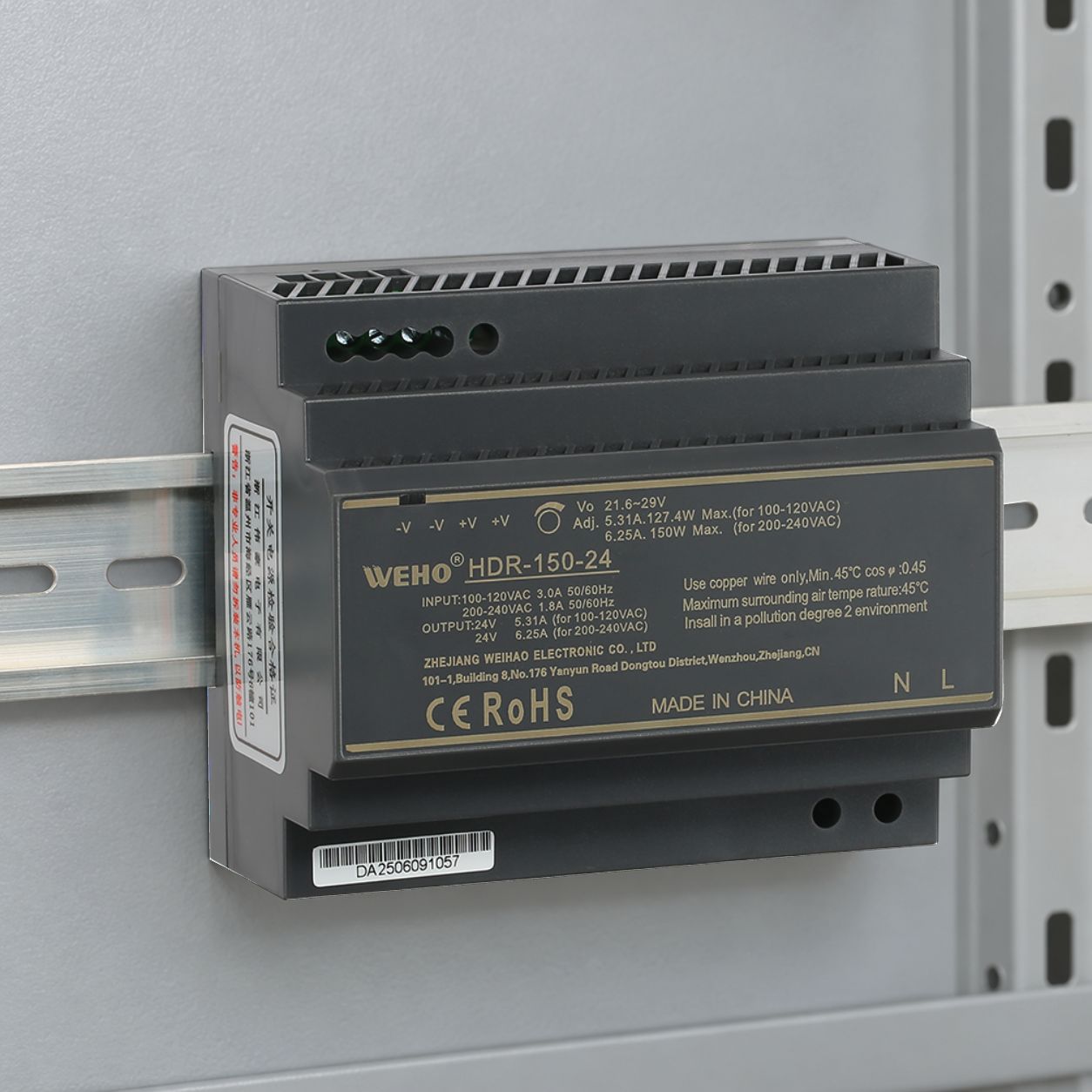
Ο WEHO enclosed switching power supply category is the appropriate landing page for replacement selection. For a compact real-product example, review the WEHO 150W AC-DC switching power supply page. Confirm the exact output-voltage variant, current rating, input range, protection behavior, dimensions, cooling, terminals, and applicable documentation.
Do not replace by wattage alone. The mechanical format, voltage adjustment, startup behavior, load type, ambient temperature, installation clearances, and protection coordination all affect suitability. If the original unit failed, correct the overload, heat, wiring, input, or contamination problem before installing the replacement.
Repair or replace?
External problems such as a loose terminal, failed branch fuse, damaged cable, blocked airflow, or incorrect setting may be correctable without opening the supply. Internal repair is different. Mains-connected supplies can retain hazardous energy and require component-level diagnostics, isolation, test loads, and post-repair safety verification.
Replace or use authorized service when output is unstable with a verified input and load, there is burnt odor or visible internal damage, protection repeatedly operates without an external fault, the enclosure is contaminated or corroded, or safe repair information and qualified facilities are unavailable.
Συχνές ερωτήσεις
Why is my power supply not producing output voltage?
Possible causes include missing input power, an open fuse or protective device, incorrect input selection, loose wiring, reverse or shorted output wiring, overload protection, thermal shutdown, remote-control settings, or an internal failure. Test in a safe sequence and use the exact model documentation.
Why does the power supply work with no load but shut down when connected?
The load may be shorted, drawing excessive steady or startup current, connected with reversed polarity, or causing the supply to enter current limiting or protection. Cable and connector faults can also produce instability. Isolate branches and reconnect them one at a time.
Why does a power supply turn on and off repeatedly?
Repeated cycling can indicate hiccup-mode overload protection, an intermittent connection, unstable input, excessive temperature, blocked airflow, or a load that repeatedly starts and collapses the output. Remove power and investigate rather than allowing continuous cycling.
Can I test an enclosed power supply with a multimeter?
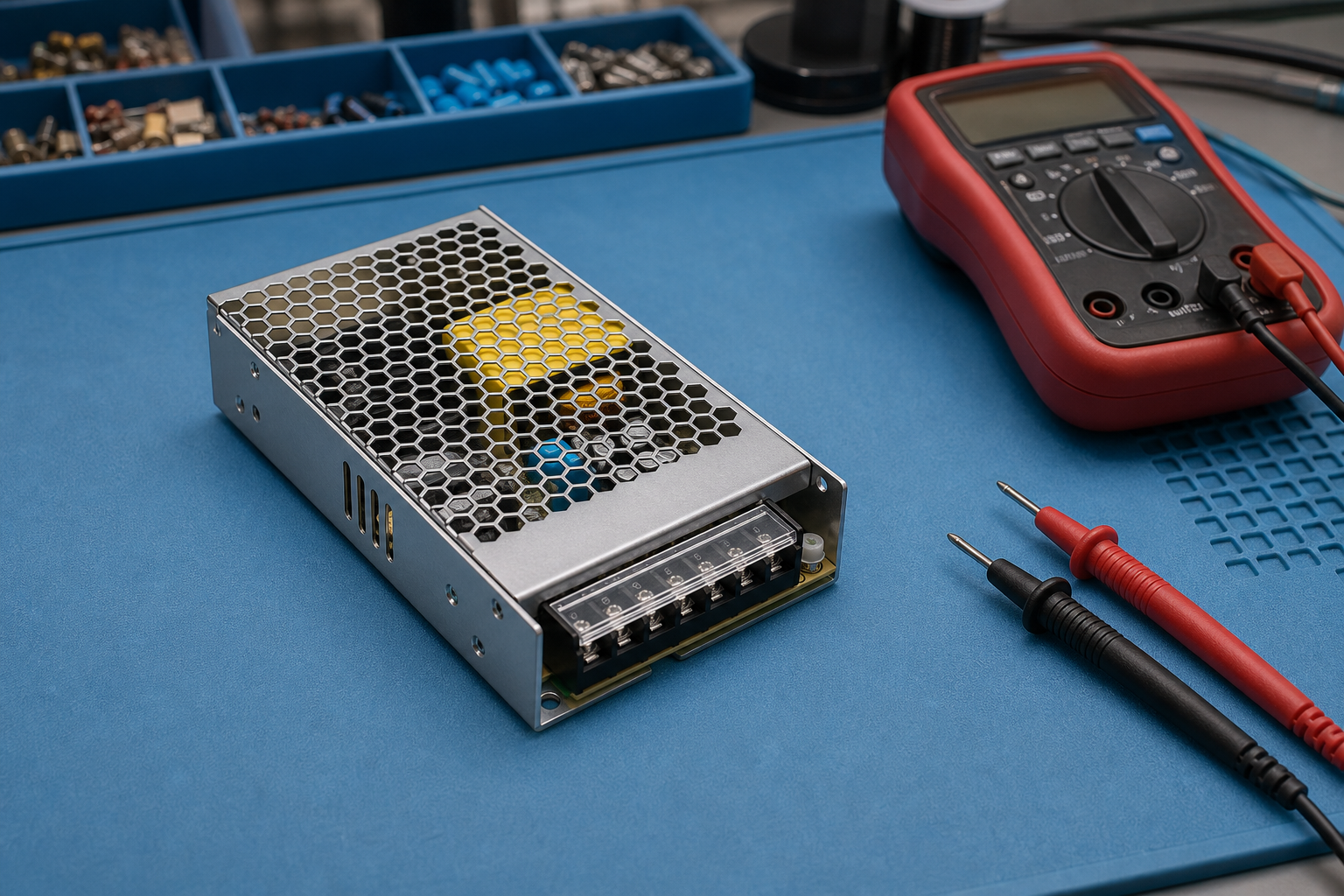
A suitable meter can verify DC output and, when performed by qualified personnel, input conditions. Exposed mains terminals are hazardous. Use insulated equipment, follow the manufacturer’s procedure, and isolate power before changing wiring or resistance measurements.
Why is the correct voltage present at the supply but not at the device?
The cable, fuse, connector, switch, relay, or return conductor may have excessive resistance or an open circuit. Measure at successive points under load and inspect for loose terminals, damaged conductors, corrosion, and overheated connectors.
When should a failed power supply be replaced instead of repaired?
Replace or use authorized service when there is internal damage, repeated protection with a verified load, unstable output, burnt odor, contaminated or damaged components, or when safe repair information and qualified facilities are unavailable. Do not open a mains supply casually; stored energy may remain after disconnection.
Key Takeaways
- Treat a power supply not working symptom as a system diagnosis, not an automatic source failure.
- Isolate power before changing wiring; qualified personnel should handle exposed mains measurements.
- Define whether the fault is no output, low output, cycling, heat-related, or branch-specific.
- Test unloaded output, then reconnect protected branches one at a time.
- Check startup demand, cable drop, connector heating, airflow, and documented derating.
- Correct the root cause before installing a replacement supply.
Σύναψη
When a power supply not working condition appears, a safe sequence prevents unnecessary replacement and reduces the chance of repeated failure. Separate the input source, power supply, DC distribution, and loads; document measurements; and stop when the work requires mains access or internal service beyond the available qualifications.
Compare replacement formats through the WEHO enclosed switching power supply category and review the 150W AC-DC switching power supply as an approved product reference. For model matching, contact WEHO or email [email protected] with the input voltage, required output, load list, startup symptom, ambient temperature, and installation dimensions.
Review the relevant WEHO product category, email [email protected], or contact WEHO with the input voltage, output load, ambient temperature, and installation details.