














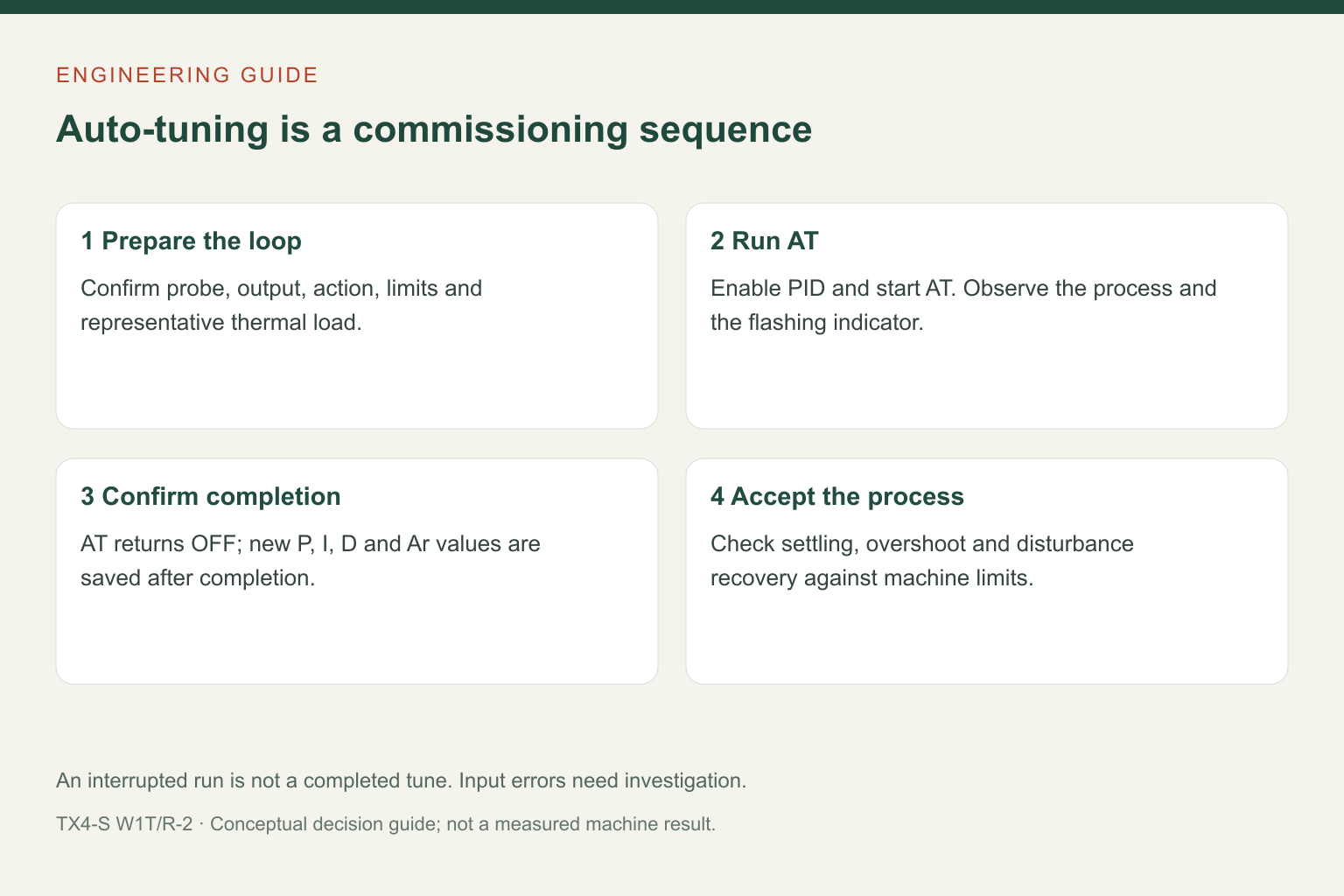
Run TX4 auto-tuning only after the temperature input, output interface and thermal process are ready. The controller learns the response of the installed process; it cannot correct a misplaced probe, an unsuitable heater switch or a changed production load. For the documented TX4-S, the practical sequence is to configure the loop, set a suitable target, start auto-tuning, watch for completion and then check the result under representative production conditions.
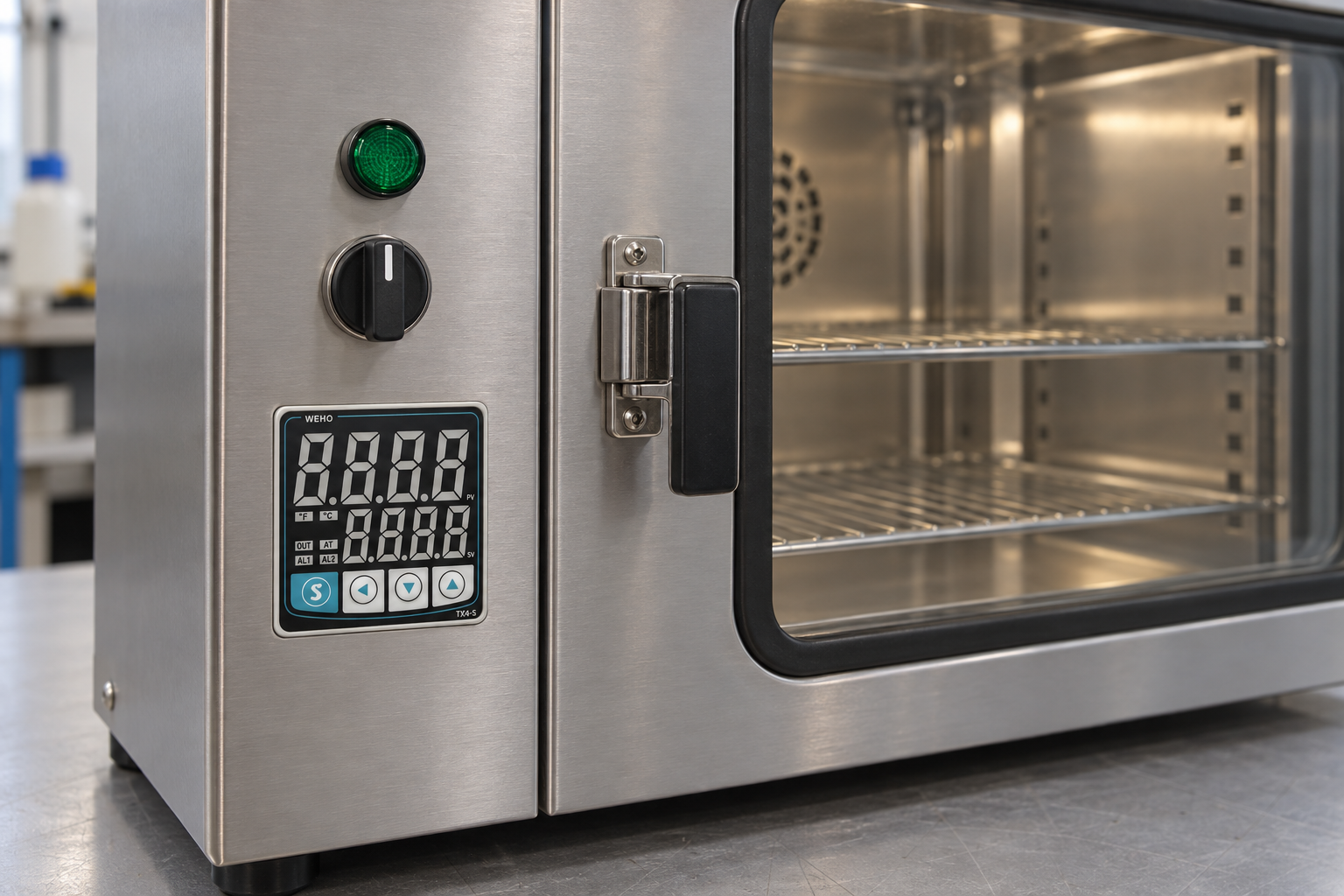
1. Establish the loop before starting AT
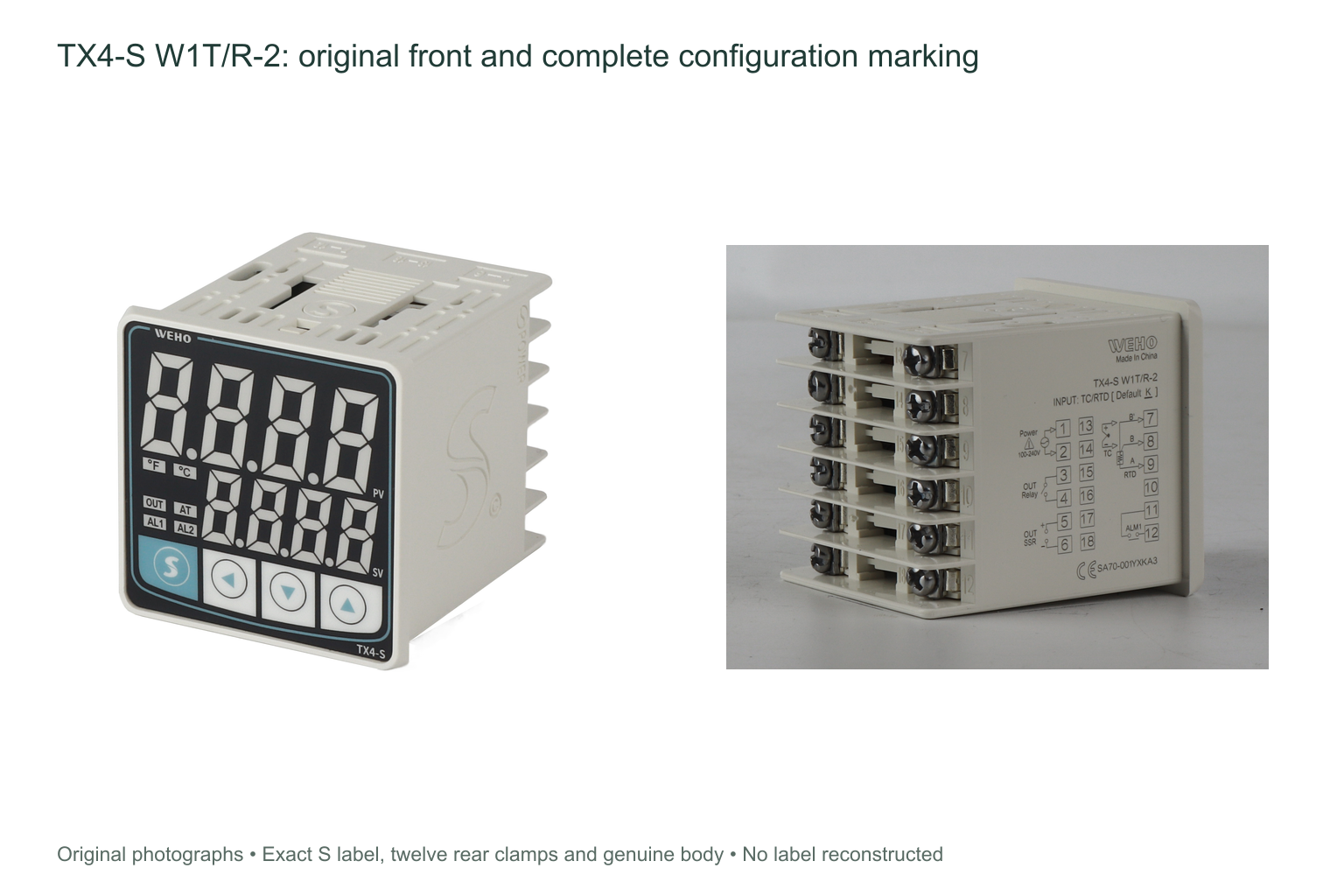
Match the full order code and rear connection label to the machine drawing. This guide uses the TX4-S W1T/R-2 source specimen and the TX4 230808EN instruction manual. Other body sizes have different sensor and alarm terminal arrangements. The controller mounts through the equipment’s front panel with its retaining bracket behind the panel.
Confirm the probe type and polarity, the selected temperature unit and decimal format, the heating or cooling action, and whether the output is configured for a relay or an external SSR input. A low-current SSR drive signal must not be wired as heater power. Check that the independent protective devices required by the machine are in service before energising the thermal load.
The manual calls for more than 20 minutes of warm-up for accurate measurement. Check that the displayed process value is plausible before tuning. An input-range error is a reason to inspect the sensing circuit, not a reason to continue heating until the display changes.
2. Define a representative tuning condition
Use a thermal condition that represents the intended duty: probe location, heated mass, airflow, clamping and normal product loading all affect the response. Document the initial condition and set value. For heating auto-tuning, the manual states that the heating system should be working and PV should be below SV.
A machine designer should establish an acceptable temperature envelope for the tuning exercise. Do not choose an arbitrary setpoint simply because it is convenient on the display. Sensitive material may need a separate commissioning procedure, and a process that cannot tolerate the tuning excursion may require another approved method.
3. Start the documented auto-tuning function
- Confirm that PID control is enabled. In the documented parameter group P-2, the PID setting must be ON for the auto-tuning parameter to be available.
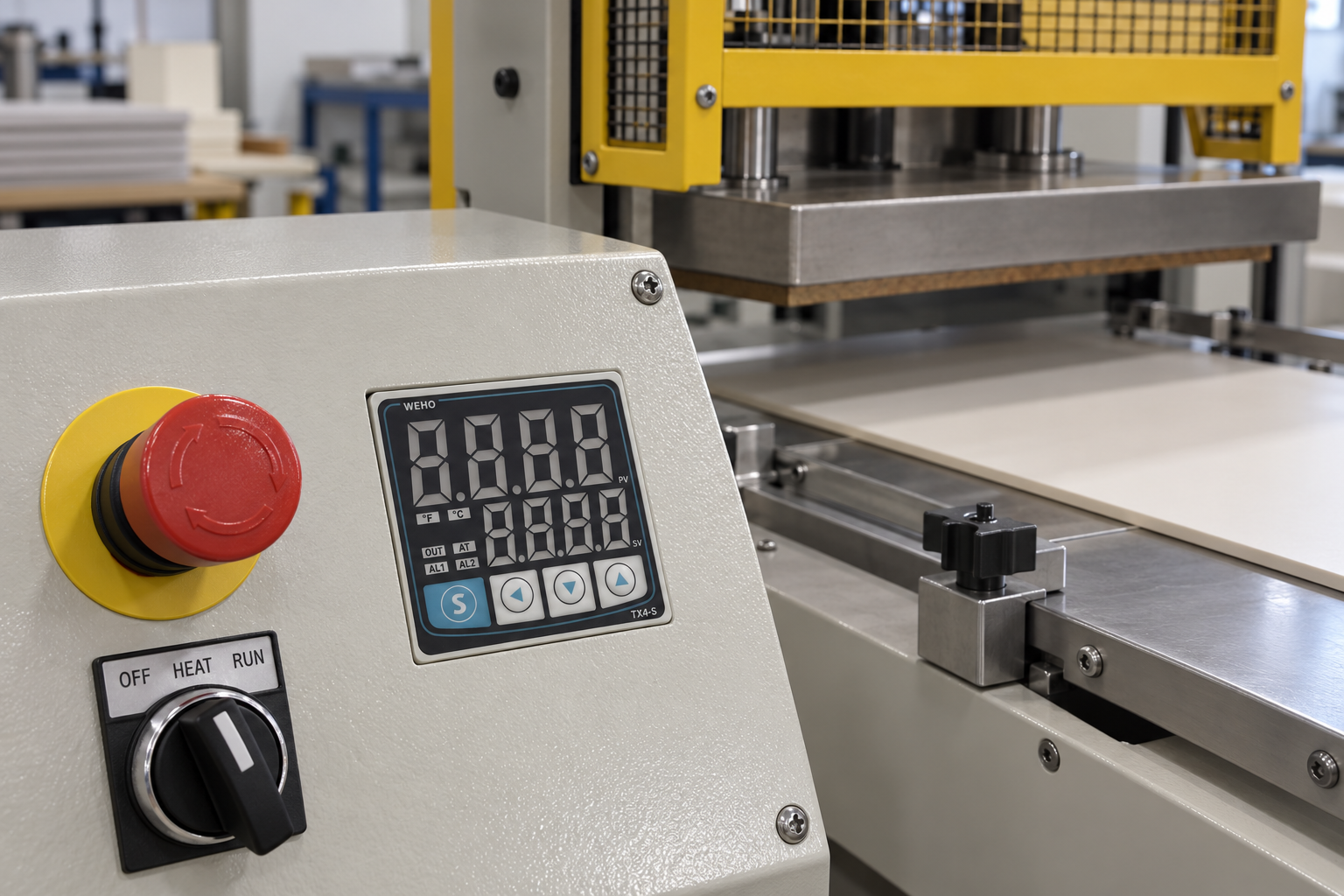
- From RUN mode, hold the S mode key for three seconds to enter parameter selection. Open group P-1 and select the auto-tuning parameter shown as AT in the manual.
- Set AT to ON and save using the mode key. The manual also provides a shortcut: hold the left-arrow key for three seconds to start auto-tuning; holding it again for three seconds stops it.
- Observe the AT indicator. The manual describes a one-second flashing interval during auto-tuning. Keep the intended process conditions stable while observing temperature behaviour.
Use the printed manual’s display-character guide when matching abbreviated menu symbols on the instrument. Check any active parameter lock first; do not reset the controller simply to get past an unfamiliar menu.
4. Distinguish completion from interruption
| Condition | What the manual says | Commissioning action |
|---|---|---|
| Auto-tuning completes | The AT indication stops, AT returns to OFF and the new P, I, D and overshoot-suppression settings are saved. | Record the resulting settings and test normal operation. |
| HHHH or LLLL input-range error occurs | Auto-tuning is interrupted automatically. | Investigate the input and range condition before another attempt. |
| Auto-tuning is interrupted | The existing P, I, D and overshoot-suppression parameters are not modified. | Do not report the interrupted run as a successful tune. |
5. Verify the result with the real process
Completion is the start of acceptance testing. Observe settling, overshoot and recovery after realistic disturbances such as a fresh workpiece, an oven-door opening or a change in material flow. Compare these observations with the machine’s actual quality limits. A stable displayed PV alone does not prove that every point on a platen or every product is at the required temperature.
Keep the final parameter record with the controller model, manual revision, probe arrangement, output device, setpoint, load condition and observations. If the heater, probe, thermal mass or duty changes later, assess the loop again instead of copying settings from a superficially similar machine.
Common commissioning questions
Does auto-tuning calibrate the sensor?
No. Tuning determines control-response parameters. Probe accuracy, wiring errors and the difference between probe temperature and product temperature need separate checks.
Can the same settings be copied to every machine?
Only after the machines have been shown to have sufficiently equivalent thermal behaviour and the resulting control has been validated. Identical controller model numbers do not establish identical process dynamics.
Review the TX4-S product information. For controller selection, send WEHO the input-probe type, output interface, supply, temperature range and process duty; keep the machine’s tuning acceptance criteria with its commissioning team.