

Key Engineering Takeaways
- TX4-L low and high SV limits restrict the setpoint window; they do not define a validated process range.
- The TX4 manual states that changing either SV limit initializes the SV setting.
- Read back the effective SV after editing limits, then verify the approved recipe value.
- Keep parameter editing, operating permission and independent protection as separate responsibilities.
Why can a setpoint-limit edit disturb an otherwise unchanged recipe?
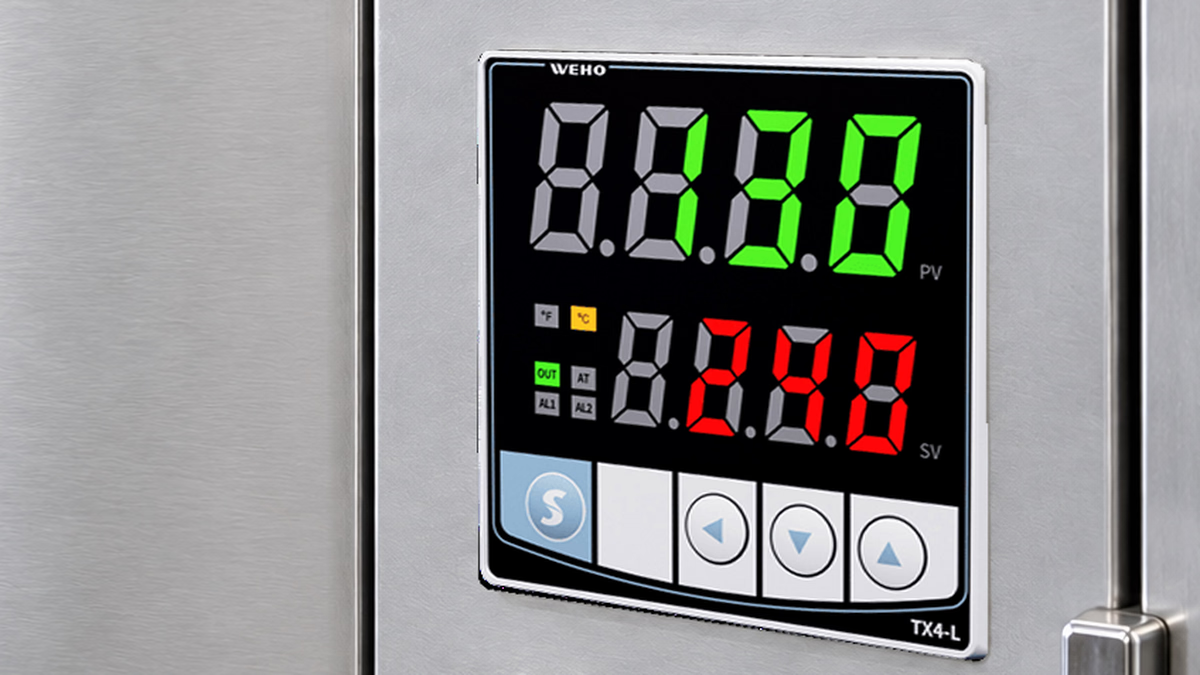
A limit edit can affect the setpoint that the controller will use. An OEM may intend only to narrow the operator's adjustment range, yet leave commissioning with a different effective SV if the resulting setting is not read back. The practical task is to preserve the approved recipe through a configuration change.
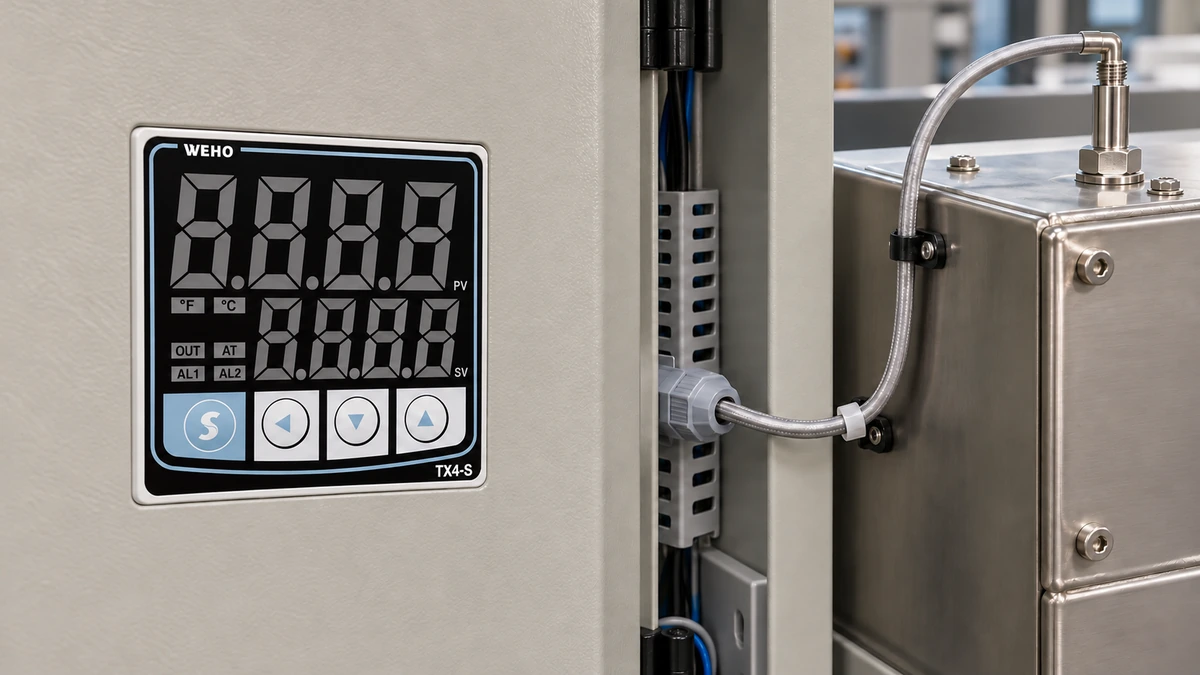
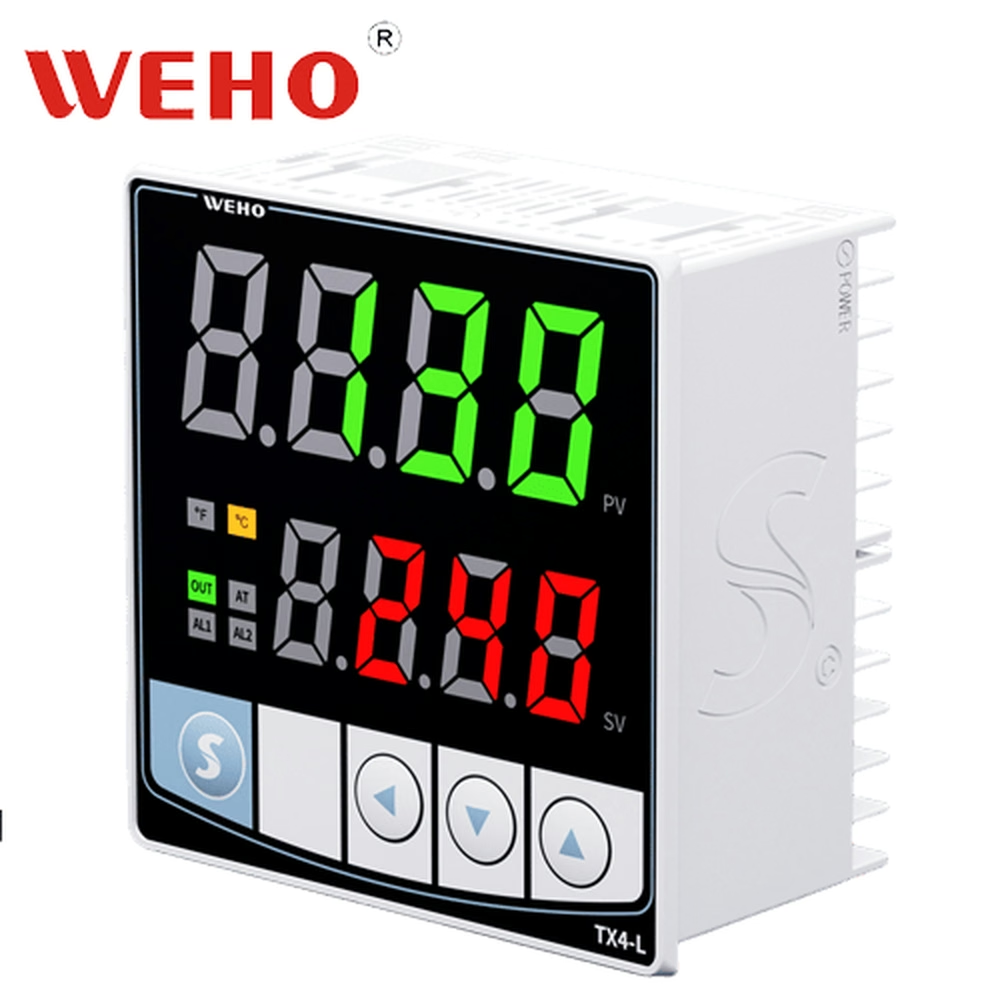
The TX4-L PID controller information identifies the relevant product. For a controls engineer releasing an operating window, three values must stay distinct: the lower limit, the upper limit and the active set value. A correctly entered pair of limits does not by itself establish the third value.
This review concerns controller configuration. It does not establish a safe process temperature, a product-quality acceptance band or an independently qualified protective limit. Those requirements must come from the equipment and process specification.
What does the manual say about SLL, SLH and SV?
The TX4 instruction manual, revision TX4 230808EN, places SV low limit and SV high limit in parameter group 2. Their display codes are SLL and SLH. The table describes them as limiting the lower and higher SV values.
A nearby parameter note states that changes to input type, temperature unit, decimal point, SV low limit or SV high limit initialize the SV settings. That consequence is the reason to verify SV after an authorized edit. It should remain part of the procedure even when the intended recipe temperature has not changed.
The manual separately states that factory reset restores SV to 100. Do not transfer that specific factory-reset result to every individual limit edit: the cited material does not establish a universal resulting SV for each edit sequence. Observe the actual unit and restore the approved value through the applicable procedure.
How do an allowed window and an approved recipe differ?
An allowed window defines which setpoints may be selected. A recipe specifies the intended setpoint for a particular process or product. Both are configuration data, while the actual process temperature remains a measured quantity with its own acceptance criteria.
Consider a Hypothetical Setpoint-Window Example. An equipment owner has approved an operator adjustment window from 80 to 120°C and a recipe SV of 105°C. These invented numbers illustrate the review; they are not WEHO temperature recommendations or a validated process specification.
The recipe lies inside the proposed window because 80°C ≤ 105°C ≤ 120°C. That arithmetic establishes only compatibility between the proposed settings. It does not show that the controller retained 105°C after either limit was changed.
Suppose a commissioning record shows SLL = 80°C and SLH = 120°C, but leaves the final SV field blank. The configuration cannot be released from that record alone. The missing observation is the effective SV after saving the changes, followed by confirmation of the intended 105°C recipe.
Now suppose a revised recipe calls for 125°C. It falls outside the same permitted window. That conflict needs a process-authorized decision: revise the recipe, revise the approved window or reject the proposed configuration. An operator should not widen the window solely to remove the disagreement.
Which values belong in the change record?
Record the original state, the authorized target and the observed final state separately. A copied desired-value column is not evidence that a setting was saved or survived the complete editing sequence.
| वस्तु | Example target | Required final check | कारण |
|---|---|---|---|
| Input and temperature unit | Specified by the actual process | Read the active configuration | Units and input selection affect meaning |
| SLL | 80°C, hypothetical | Read back after saving | Defines the lower SV boundary |
| SLH | 120°C, hypothetical | Read back after saving | Defines the upper SV boundary |
| Recipe SV | 105°C, hypothetical | Confirm after the final limit edit | Limit edits can initialize SV |
| Operating permission | Defined by the machine | Verify the release condition | Valid settings alone do not authorize heating |
The sequence matters. Reading SV before the final limit edit leaves a gap in the evidence because the later edit may be the event that changes it. Make the final read-back follow the completed set of applicable changes.
Retain the temperature unit and decimal setting with each numerical value. An unlabeled number such as 105 cannot establish whether the intended setting is in Celsius or Fahrenheit, or whether the displayed resolution matches the recipe record.

Swipe horizontally on a small screen, or open the full-size diagram.
How should the range change be made and verified?
- Identify the complete controller marking, applicable manual and current recipe revision. Record the original input, unit, decimal setting, limits and SV.
- Obtain the authorized target window and recipe value from the process specification. Resolve any recipe that lies outside the proposed window before editing.
- Put the equipment into its defined configuration-change state. Use the machine procedure to manage output permission and any process energy affected by changing SV.
- Enter the required settings in the prescribed sequence. After the last relevant edit, read back SLL, SLH and the effective SV rather than assuming retention.
- Set and verify the approved recipe SV. Check how the actual unit handles attempted values outside the permitted range using an appropriate commissioning arrangement.
- Confirm the final controller state and machine release conditions. Keep observations and authorization with the revised parameter record.
These steps do not supply a universal key sequence, output state or process tolerance. The exact unit, its configuration and the equipment procedure determine those details. Do not create a live heating test simply to demonstrate an out-of-range entry.
What should trigger another review of the SV window?
Review the window when the recipe, sensor configuration, temperature unit or decimal setting changes. The manual groups several of these configuration changes with SV initialization, so the final setpoint check should follow the actual set of edits rather than a remembered shortcut.
A replacement controller also needs a relevant read-back. The TX4-L controller parameter reference supports identifying the product, while the complete installed code and applicable manual establish the actual configuration. The front photograph does not prove the electrical ordering option.
Keep process approval separate from editing access. A person who can enter a wider limit is not automatically authorized to extend a machine's operating range. Likewise, limiting SV does not prove that an external power switch cannot fail or that the process cannot exceed the selected value.
Use the setpoint-window change worksheet to record desired and observed values. It includes a separate final SV field so that the limit check cannot silently stand in for the recipe check.
What information should be sent to WEHO?
Send the complete TX4-L marking, manual revision, original and edited parameters, edit order and the final observed SV. Include the required operating window and recipe setpoint with their units. Describe whether the question concerns a setting not saving, a changed SV or an unexpected response to an attempted entry.
Contact WEHO about the TX4-L settings with that record. Ask for clarification of the applicable controller behavior while retaining process-temperature approval and machine release with the responsible engineering team.
Engineering FAQ
Do SLL and SLH establish a safe process range?
SLL and SLH restrict the SV setting window. They do not independently establish safe operating temperatures, process quality or protective-system performance. Define those requirements in the equipment and process specification.
Should SV be checked before or after the final limit edit?
Check SV after the final relevant edit. The TX4 manual states that changing SV limits initializes SV settings, so a reading taken before the last edit does not establish the final effective setpoint.
Does every limit edit reset SV to 100?
The cited manual explicitly associates SV = 100 with factory reset. It does not establish that result for every individual limit edit. Read the actual final SV and restore the approved recipe value as required.
What if the approved recipe lies outside the permitted window?
Resolve the conflict through process authorization before release. Widening the window to accept the recipe changes the operating configuration and should not be treated as a routine operator workaround.