













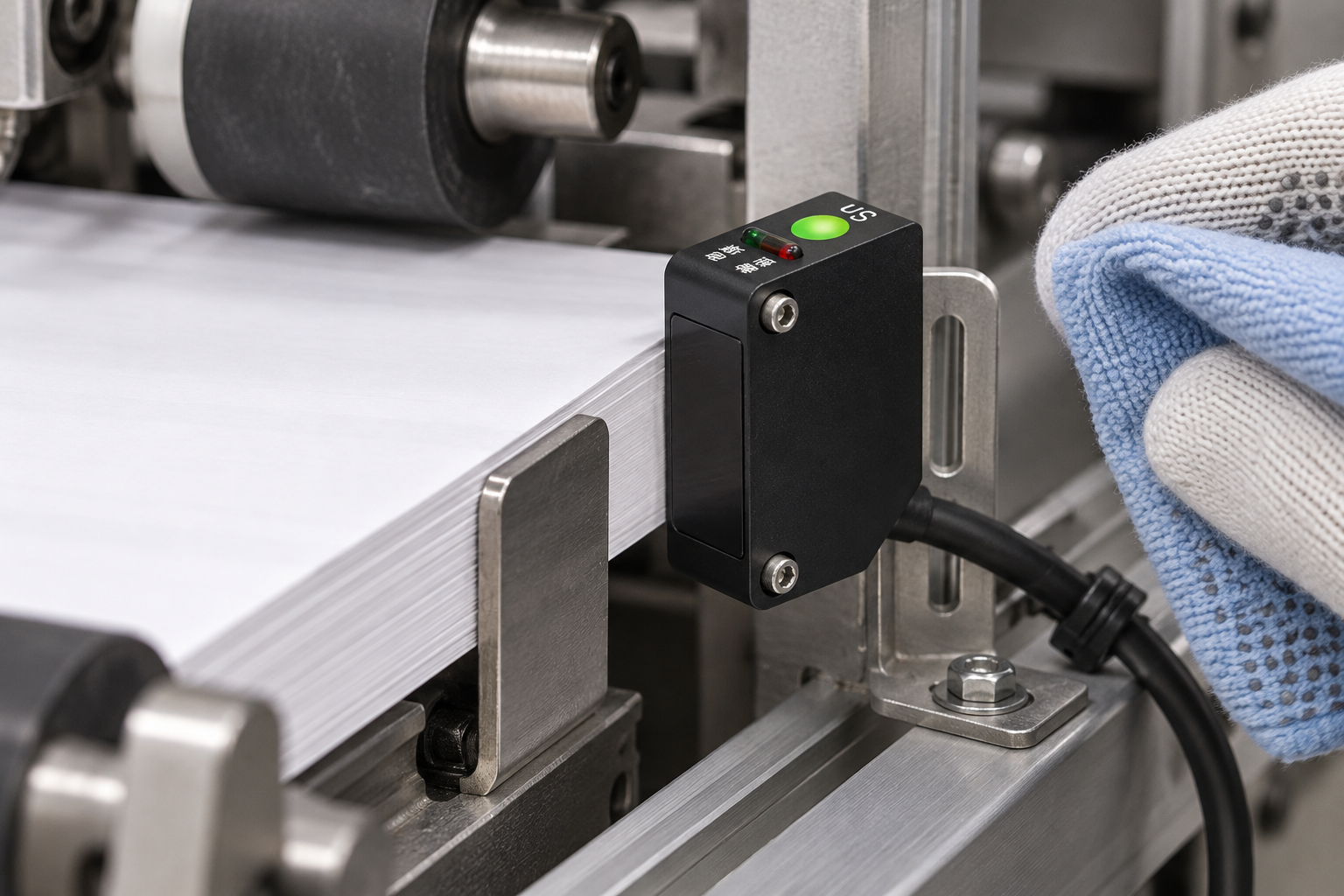
A photoelectric sensor should be cleaned when contamination changes the optical path, then checked with the real target before the machine returns to production. For the WEHO C3Z-D100N, maintenance means keeping the sensing window clear, preserving the bracket position and confirming that the controller still distinguishes target-present from target-absent. Turning up sensitivity is not a substitute for finding the cause of unstable detection.
Identify the sensing window before wiping the housing
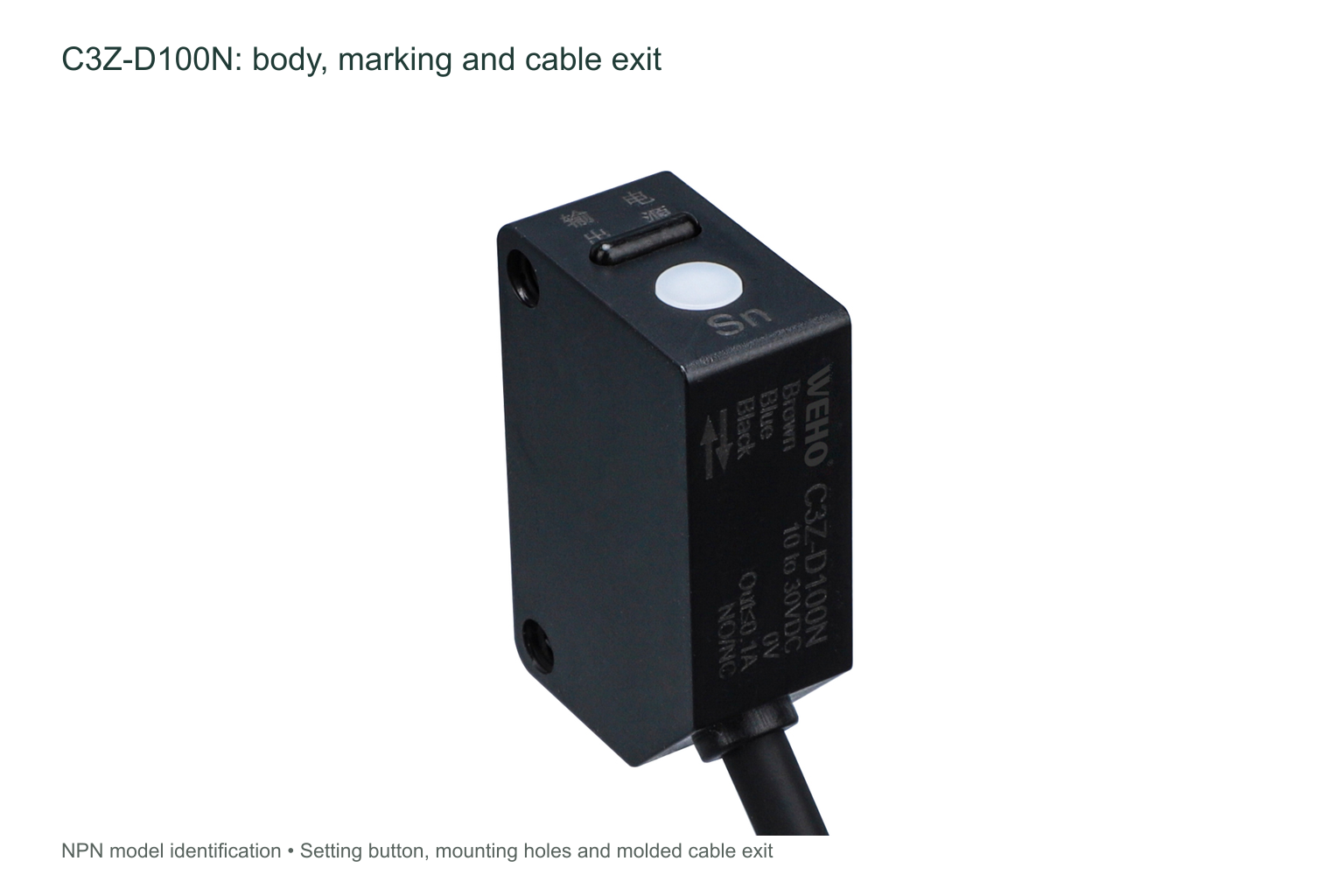
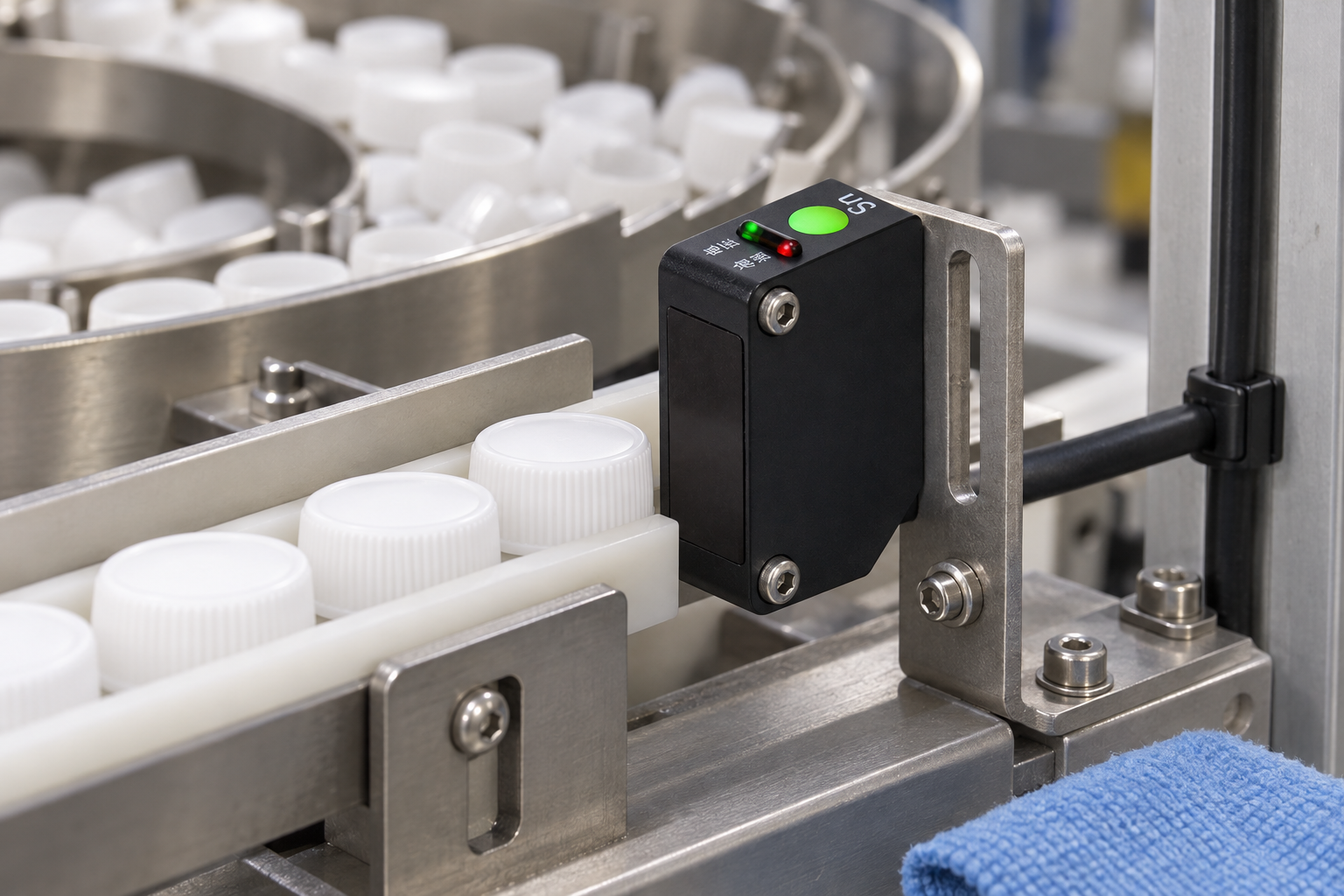
The C3Z-D100N is a diffuse sensor: light returns from the target itself. Its optical window is on the narrow face opposite the marked connection face. The broad side carries the two fixing holes; the top has a setting button and indicators. Keep cleaning tools away from the setting button so routine maintenance does not also change the detection setup.
The published C3Z table gives an adjustable 100 cm detection distance for the D100 model using a 10 × 10 cm white matte-paper reference target. A dark, curved, glossy or smaller production part can behave differently. A clean window restores the intended optical path; it does not turn the reference-target distance into a guarantee for every object.
Use a repeatable maintenance sequence
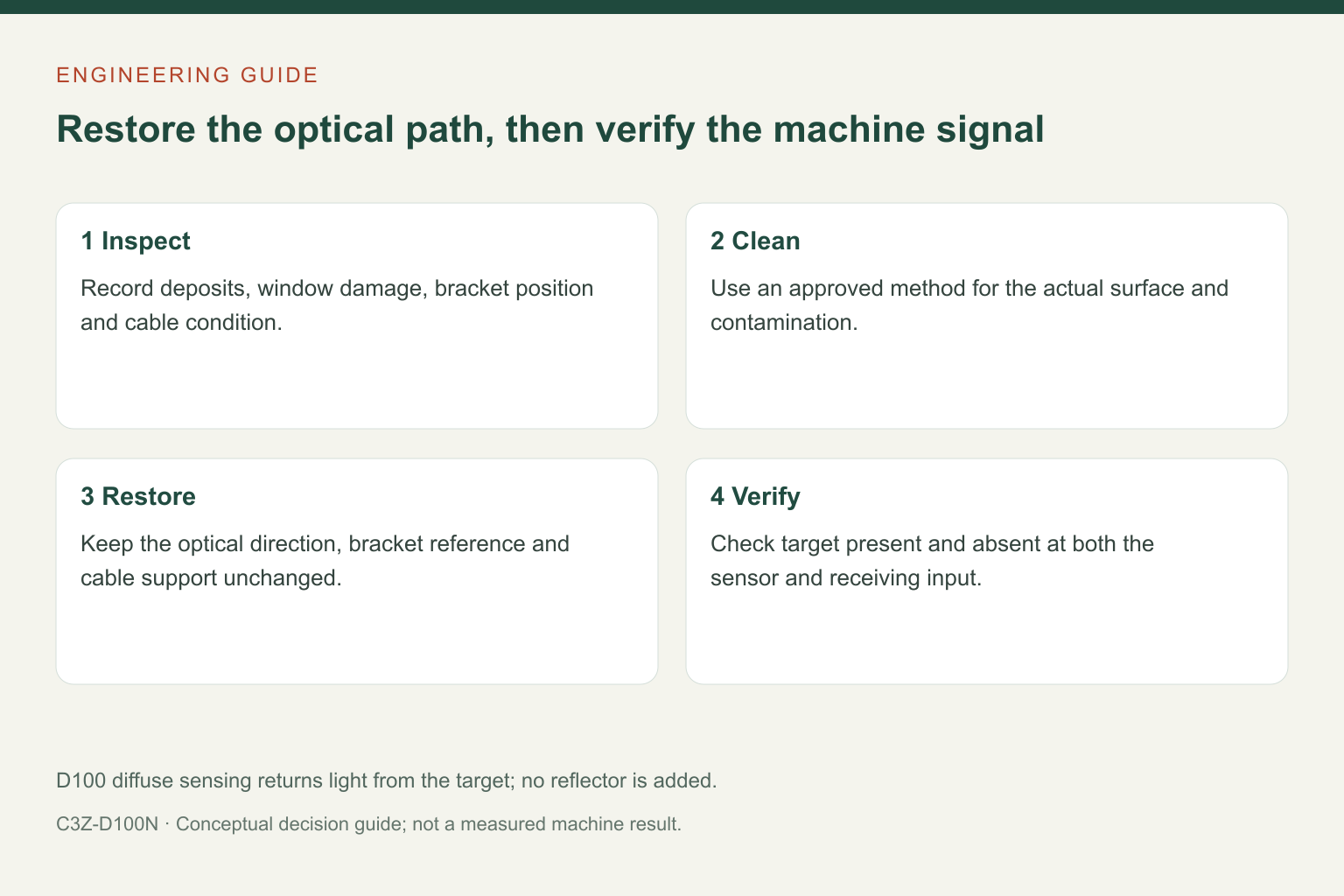
- Stop and isolate the machine under its maintenance procedure. Make the sensing area accessible without reaching into moving rollers, a bowl feeder or an indexing fixture.
- Record the condition before adjustment. Note the symptom, target variant, visible deposit, bracket position and cable condition. A photograph of the installed position helps distinguish cleaning from a later alignment change.
- Inspect the window and housing. Look for dust, film, scratches, condensation, impact damage and a loose fixing. Do not scrape the optical face or flood the housing. Obtain the manufacturer’s approved cleaning method for the actual contaminant and sensing-face material before using a chemical.
- Keep the mechanical reference unchanged. If a bracket must be removed, restore its documented position. Route the cable without tension at the molded exit and keep the cable away from moving equipment.
- Restore operation and verify both states. Use representative target-present and target-absent conditions. Check the sensor indication and the receiving PLC signal together; one does not prove the other.
Separate contamination, alignment and electrical faults
| Observed pattern | Next useful check |
|---|---|
| Detection improves after cleaning but soon drifts again | Find the source of dust or film and assess a shield or revised service interval without blocking the optical path. |
| Only one colour or surface finish is unreliable | Check that production target against the reference condition; do not treat this as a cleaning problem alone. |
| Sensor changes state but the PLC does not | Check the exact output type, receiving input and cable continuity using the approved circuit. |
| Fault appears after a bracket is touched | Check fastening, sensing direction and repeatability of the mechanical location. |
The C3Z data identifies a PC sensing surface and operating conditions without condensation. These facts do not approve a solvent, abrasive cleaner or washdown process. If moisture or chemical attack is present, correct the environmental arrangement rather than assuming that repeated wiping will solve it.
Set the interval from the contamination rate
There is no useful universal cleaning interval for every C3Z installation. A dry assembly fixture and a paper feeder accumulate different deposits. Start with the machine’s maintenance plan, record the condition found at each inspection and shorten the interval if contamination begins affecting detection before the next visit. Include the optical face, bracket and cable in the same record.
After any adjustment or replacement, repeat the machine’s acceptance checks at its actual operating conditions, including the least favourable target variants. The C3Z response-time value is a component specification, not proof that the complete machine counted correctly during this maintenance visit.
Questions maintenance teams ask
Should sensitivity be increased after every cleaning?
No. First check the restored original setting with the actual target. Re-teaching or adjustment is a separate change that needs its own verification and a record of the final setting.
Can a reflector solve a weak return from a dark target?
Do not turn a diffuse D100 installation into a retroreflective arrangement by adding a reflector. The C3Z family has different sensing methods and model suffixes. Select the appropriate method from the application requirements.
What should be sent with a maintenance enquiry?
Send the full model, photographs of the optical face and mounting, target material and finish, working distance, contamination type and the symptom before and after cleaning.
See the C3Z-D100 product information for the published model data, or 연락 WEHO with those installation details to discuss the appropriate sensor and maintenance conditions.