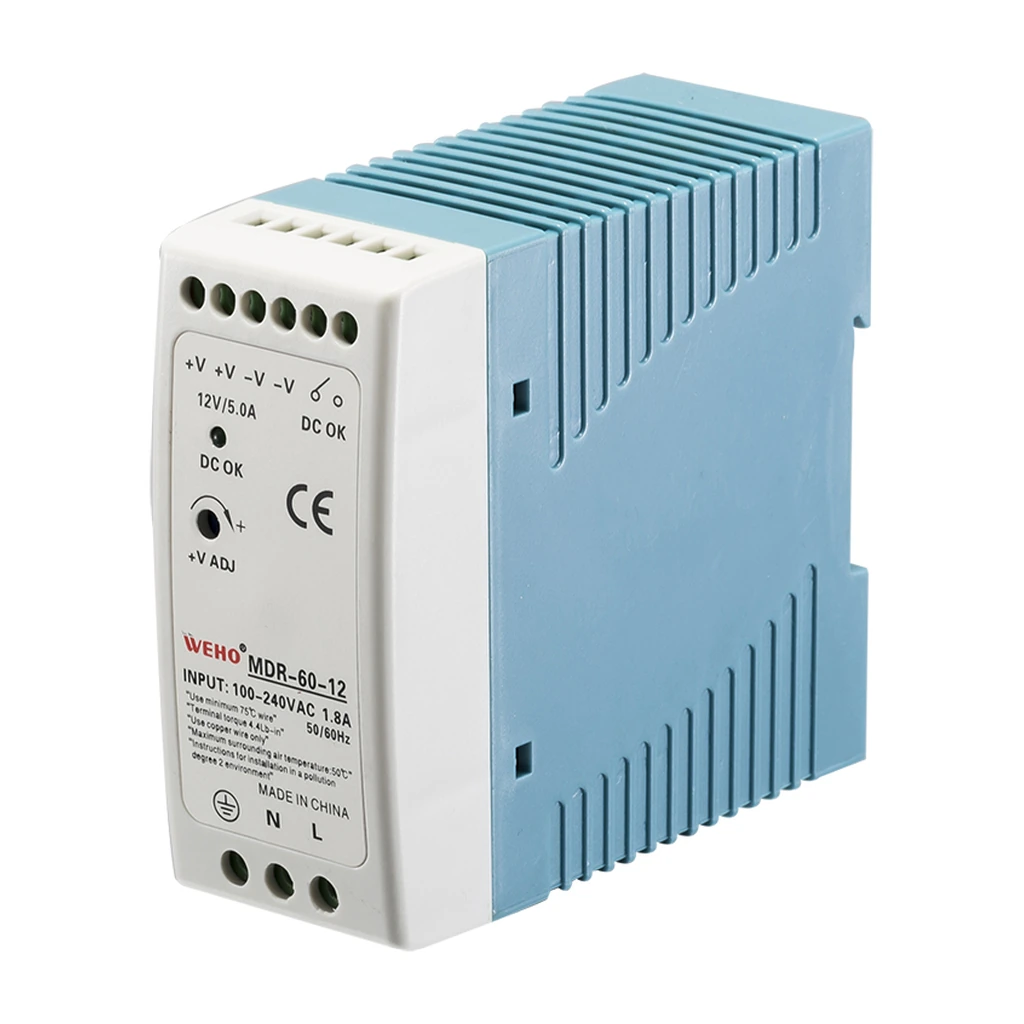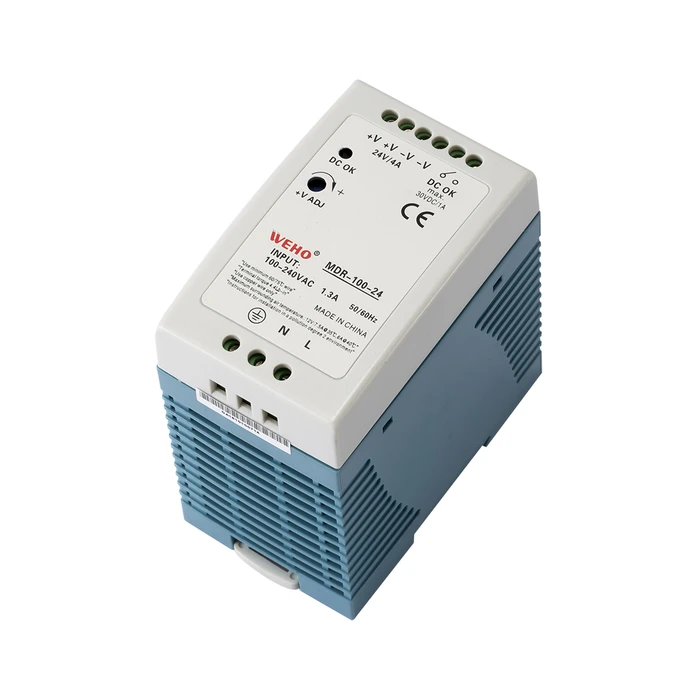

Compare MDR models for compact industrial control panels and equipment. Check the exact model’s input, output and installation data before selecting a unit for a new build or replacement.
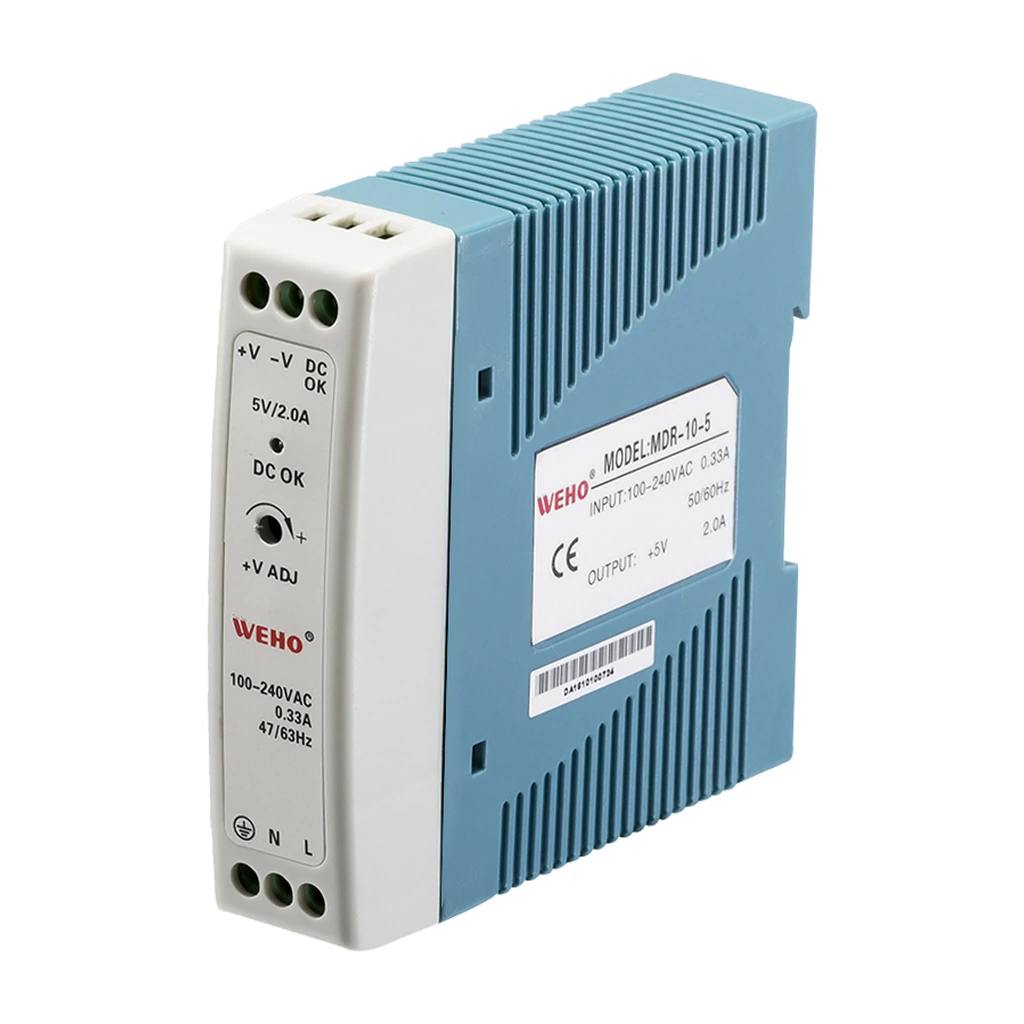
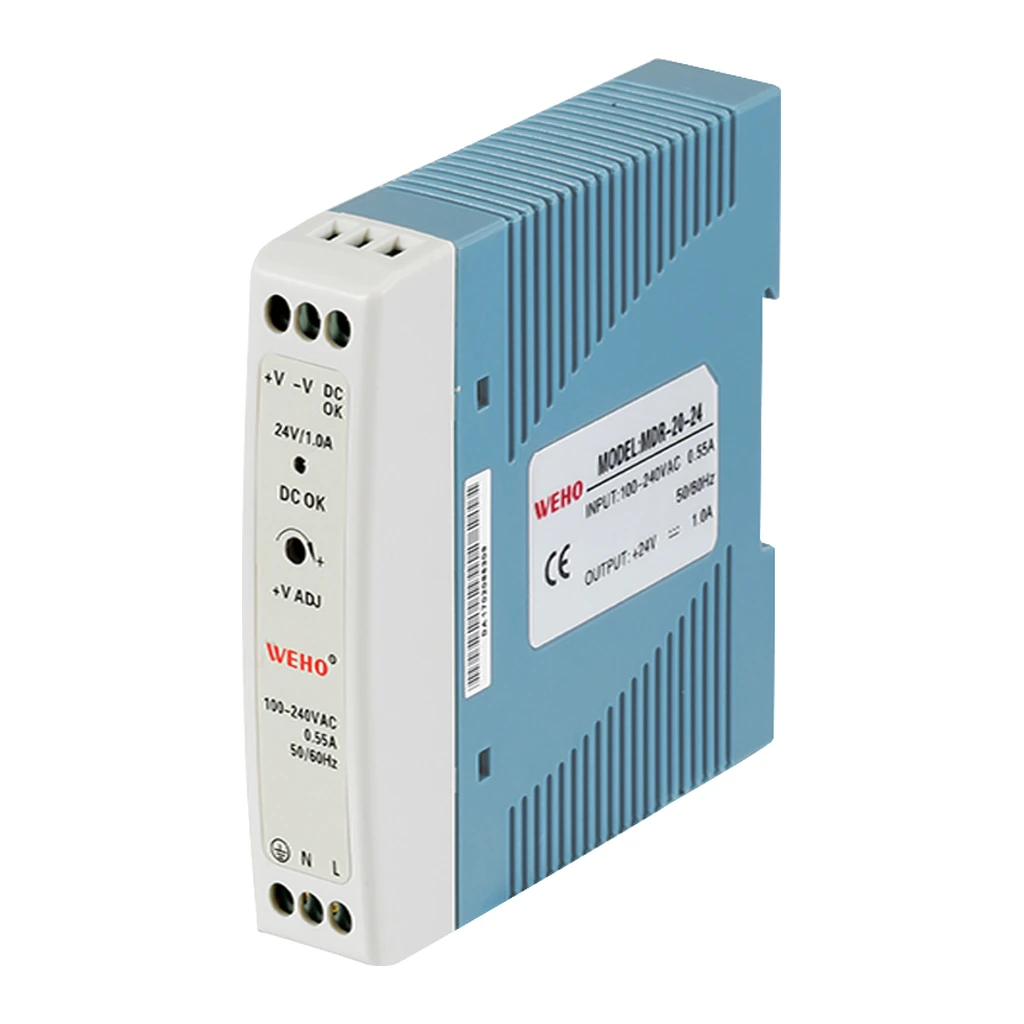
List the devices on the circuit and the voltage and current they need in normal operation and at startup. Use the selected MDR datasheet to check the exact output suffix. Ask for technical review if the load can feed energy back into the supply.


Use the mechanical drawing to check the model’s rail width, mounting orientation and terminal position. Leave the clearances specified in the instructions and check the available output under the planned cabinet conditions.
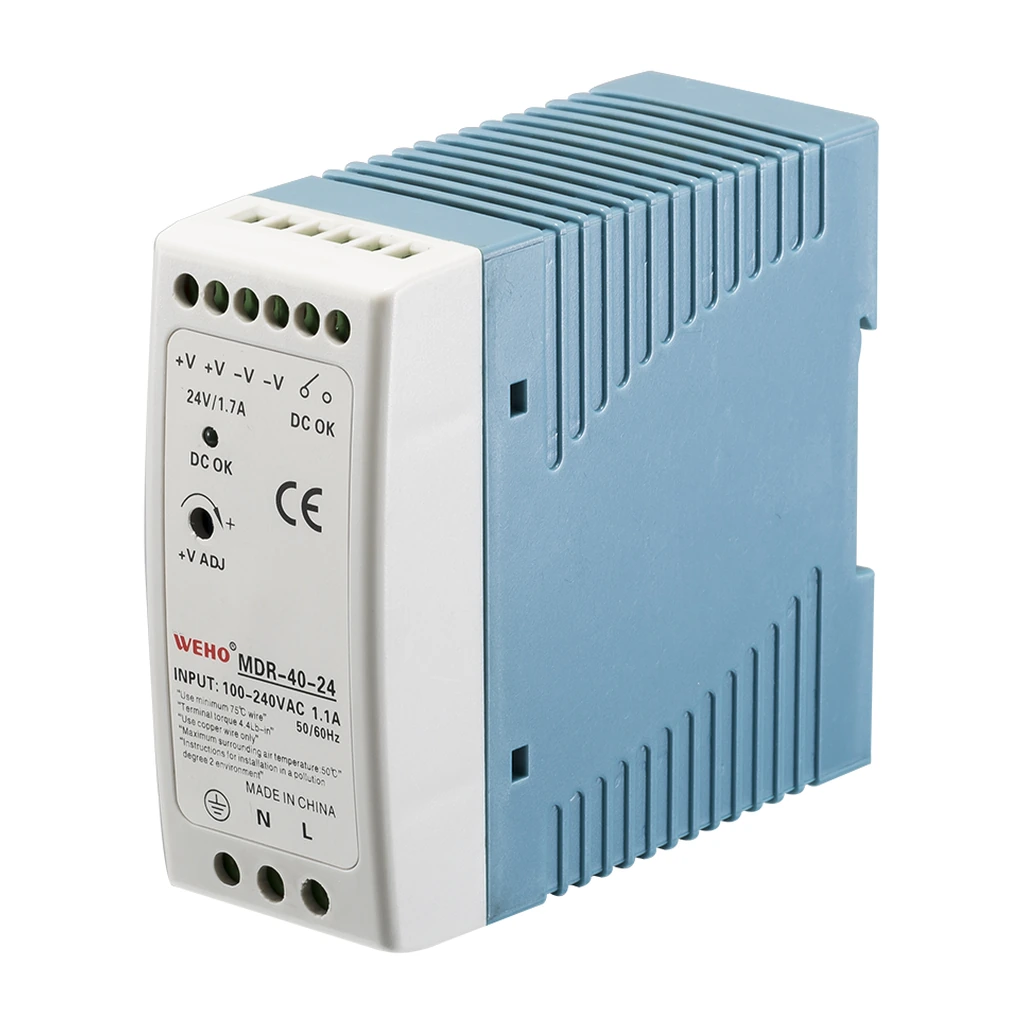

Check the exact model width, height, depth, DIN rail compatibility, mounting orientation and required clearance. Include wiring access and adjacent heat sources in the cabinet layout.

Record the available input voltage and frequency, required DC output voltage, continuous load current and starting-load requirements. Confirm all values for the exact model and supply conditions rather than applying one series-wide input range.

Compare the stated efficiency only at the specified input voltage, load and test conditions. Check the published temperature and input-voltage derating requirements before selecting the output rating.

Request the model datasheet and the certificate or test report relevant to your project. Confirm the exact model, standard, document revision and applicable scope; a series label alone does not establish approval.

Check which protection functions, status outputs, remote-control options or redundancy arrangements are available for the selected model. Do not assume that features offered on another model are included.
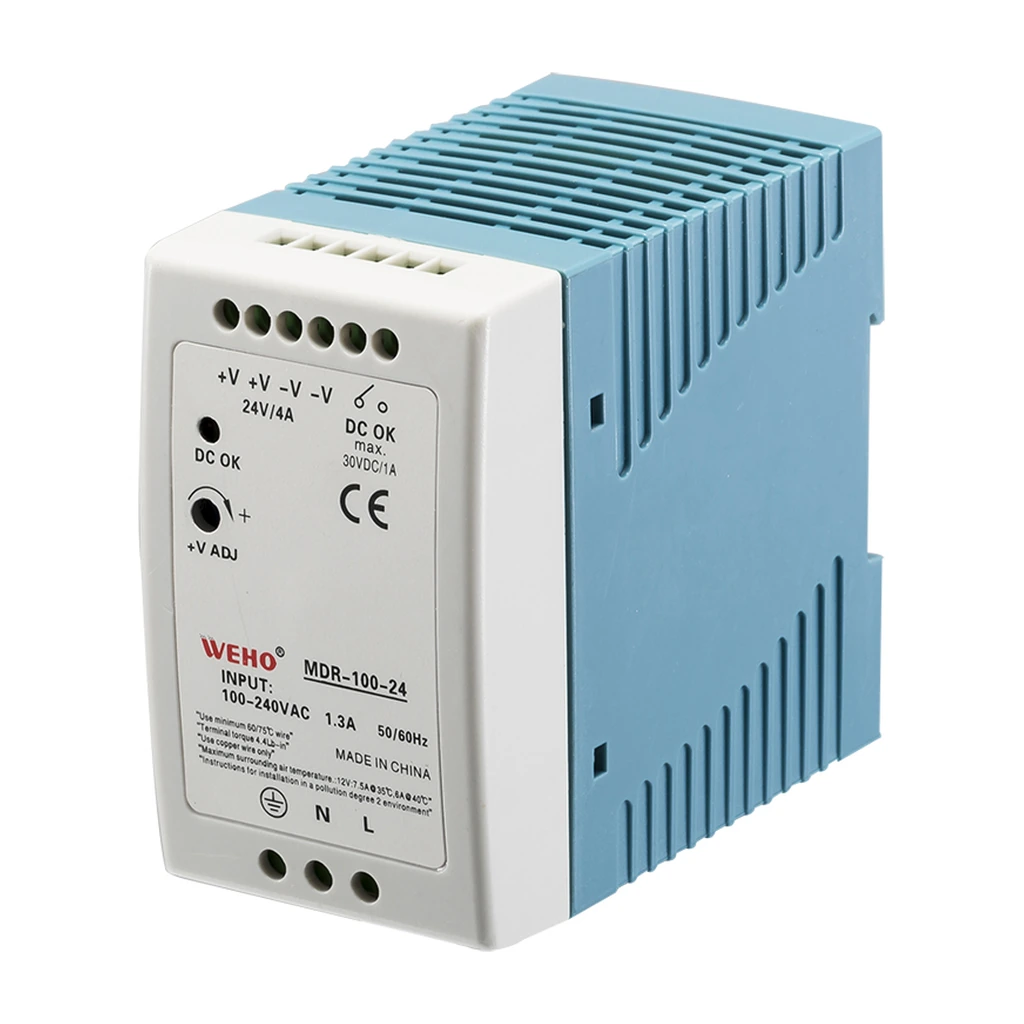
Send the required DC output, startup and normal load, available rail width and quantity. If replacing an installed unit, include its complete model number and any status-signal requirements.
احصل على عرض أسعار فوري أو أخبرنا بما تبحث عنه وسنرد عليك قريبًا!
اتصل بنا Optimized by Seraphinite Accelerator