

Key Engineering Takeaways
- TX4-S heating/cooling selection defines a control direction; the correct temperature reading does not prove the direction is correct.
- The TX4 manual identifies HET for heating and COL for cooling.
- Check the external receiver and actuator as well as the controller command.
- Use defined commissioning conditions before enabling the process load.
What goes wrong when the control direction is reversed?
A reversed control direction can make the actuator push the process away from the setpoint. A falling temperature may request less heating when the process needs more, or a rising temperature may fail to request the intended cooling response. The display can remain numerically plausible while the cause-and-effect relationship is wrong.
For an OEM using the TX4-S PID temperature controller, verify the complete loop direction before releasing normal operation. The decision concerns the selected control action, external interface and physical actuator. It is different from checking whether PV means measured temperature or whether the sensor type is configured correctly.
The first commissioning question is concrete: when the measured temperature moves to the specified side of the setpoint, does the final actuator move the process in the intended corrective direction?
What does HET or COL specify?
그만큼 TX4 instruction manual, revision TX4 230808EN, lists heating/cooling selection in parameter group 2. The HC parameter offers HET and COL, described as heating and cooling modes. The table shows HET as the published default.
Treat that default as documentation context, not proof of the actual installed setting. A previously commissioned unit may have been changed. Read the configured value and retain it with the complete controller marking and applicable manual revision.
Control direction is separate from control-output selection. The manual also provides RLY and SSR output selection. Choosing an SSR-drive interface does not select heating, and choosing a relay interface does not select cooling. Both settings must agree with the actual receiving circuit and intended process.
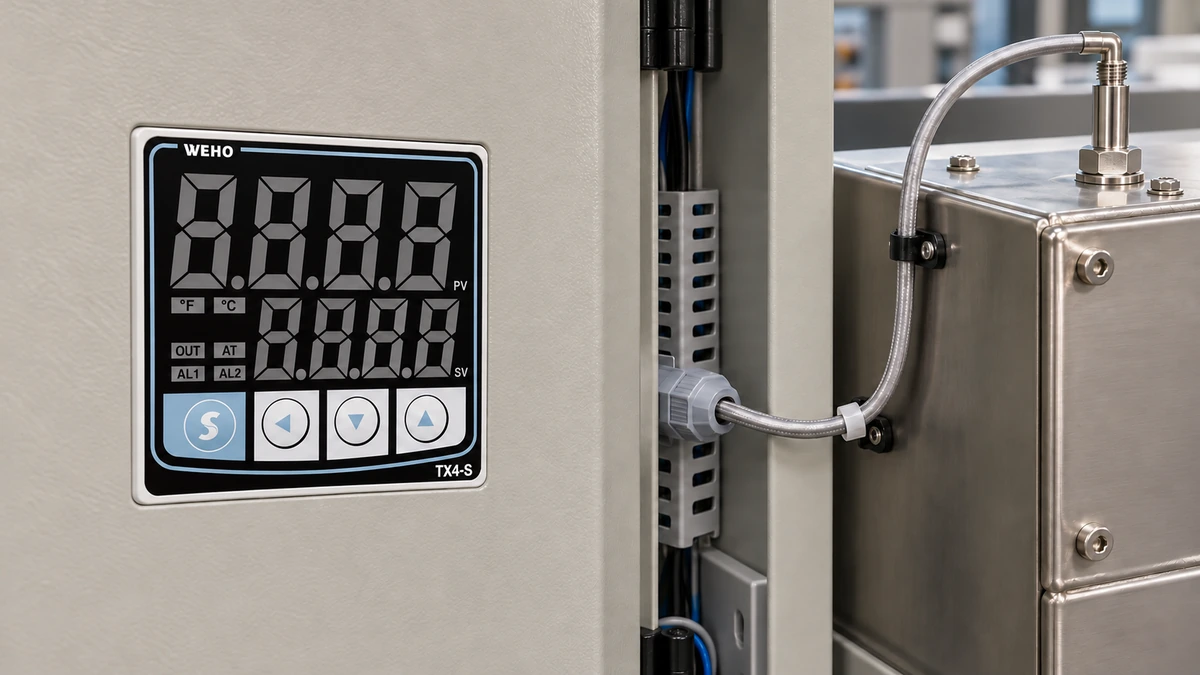
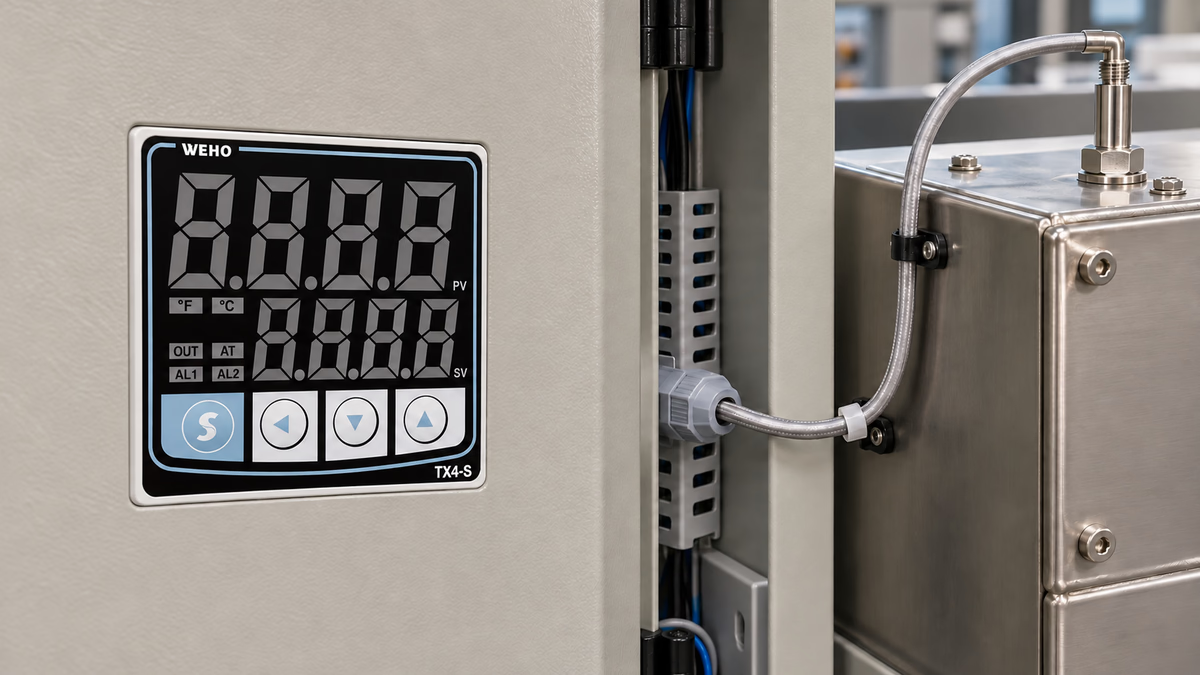
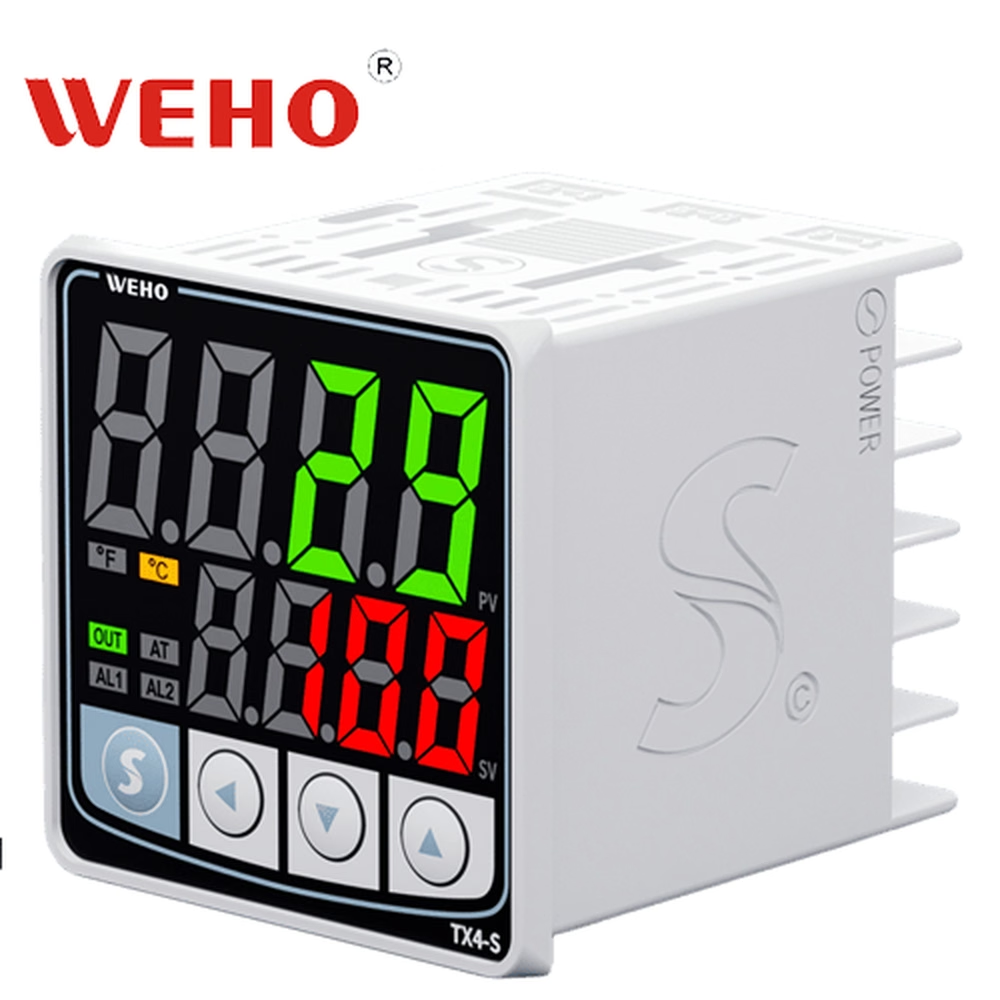
The TX4-S front identifies the enclosure form and visible controls. It does not establish the complete supply/output/alarm ordering option or authorize a particular load connection. Use the applicable TX4-S connection drawing and the external device documentation.
Why must the actuator be included in the check?
The physical effect can differ from the apparent electrical command. A contactor may energize a heater, while a valve actuator may open or close a cooling path according to its own interface. An intervening control circuit can invert or inhibit the command. The controller setting alone cannot establish the final temperature effect.
Define the expected corrective action in process terms before describing electrical states. For a heating function, the required action may be to increase heat input below the permitted setpoint region. For a cooling function, it may be to increase heat removal above that region. The actual equipment may have restrictions, delays or interlocks that must remain part of the cause-and-effect definition.
A response that appears inactive can also be intentional. The machine may prohibit an actuator while flow, position or another readiness condition is missing. Record those permissions rather than changing HC simply to make an output indicator operate.
Do not infer a dual heating-and-cooling output system from the availability of HET and COL selection. The documented choice of control direction does not by itself establish simultaneous two-output control, compressor management or a specific valve-driving function.
How can a simulated-temperature example reveal the required direction?
Use a Hypothetical Control-Direction Example. An OEM defines a 100°C setpoint and two simulated temperature conditions, 95°C and 105°C. These invented values illustrate the review; they are not recommended process limits or measured TX4-S results.
The table records intended process effects. It does not prescribe an exact PID output percentage, because output depends on the configured control algorithm, prior conditions and external interface.
| Defined function | Simulated PV | Expected corrective tendency | Verify at the receiver |
|---|---|---|---|
| Heating around 100°C | 95°C | More heat input when permitted | Correct heater-command path |
| Heating around 100°C | 105°C | Less heat input | Command reduces as specified |
| Cooling around 100°C | 105°C | More heat removal when permitted | Correct cooling-actuator path |
| Cooling around 100°C | 95°C | Less heat removal | Command reduces as specified |
For ON/OFF operation, use the actual switching boundaries and return-value setting. For PID operation, define an appropriate observation method that considers prior loop state. A simple comparison should not turn into a claim that a particular PV must always produce one exact output.
After the electrical direction has been established under the commissioning procedure, the physical process response still needs the appropriate verification. A correctly switching contact is useful evidence, but it does not prove that heat reaches the intended location or that cooling flow is adequate.

Swipe horizontally on a small screen, or open the full-size diagram.
How should direction be checked before enabling the load?
- Identify the intended process function and the permitted test conditions. Record the actual sensor input, temperature unit, SV, control type, HC setting and output selection.
- Trace the command through the receiving device to the actuator. Describe which electrical state increases heat input or heat removal in this equipment.
- Use a suitable simulated input or controlled test condition under the machine commissioning procedure. Keep hazardous process energy isolated when the initial check can be performed on the receiver alone.
- Apply the defined below-setpoint and above-setpoint conditions. Observe the controller command and the receiver together, using acceptance conditions appropriate to the selected control type.
- Resolve any discrepancy at the stage where it appears. A sensor-input problem, HC selection error and external logic inversion require different corrections.
- Verify the permitted physical response and final configuration before normal operation. Preserve the cause-and-effect record with the machine parameters.
Use qualified personnel and the equipment isolation procedure for wiring work. HET/COL selection is a process-control setting; it is not a substitute for the machine's required independent protection or energy isolation.
Which changes require the direction check to be repeated?
Repeat the affected checks after changing control direction, output selection, receiving-device logic or actuator arrangement. Replacing an external relay with an SSR can change the interface even when the intended heating function remains the same. A revised valve arrangement can change the physical effect without changing the controller display.
그만큼 TX4-S control and output information is a relevant product reference for the configuration review. Keep a distinction between the manufacturer's documented functions and the machine response that the OEM has actually verified.
Use the control-direction verification worksheet to capture the requested action, actual command and receiver response. Write the final process interpretation in plain language so maintenance staff do not have to infer it from a raw input or output bit.
What information should be sent to WEHO?
Send the complete TX4-S marking, manual revision, HC value, output selection, control type and receiving-device details. Include the simulated or controlled temperature sequence, the resulting command observations and the expected physical effect.
Contact WEHO about TX4-S control direction with the point where the observed response disagrees with the intended function. Ask for clarification of the applicable controller behavior while keeping actuator suitability and machine release with the responsible engineering team.
Engineering FAQ
Does a correct PV prove that HET or COL is correct?
A correct PV establishes only a relevant measurement observation. Verify the selected direction and complete actuator response separately. The loop can read temperature correctly while requesting the wrong physical correction.
Does SSR output automatically mean heating operation?
SSR-drive selection identifies an output interface. HET/COL is a separate control-direction choice. Confirm both settings and the actual receiving circuit before applying the process load.
Does COL prove that TX4-S can directly run a compressor?
COL identifies a cooling control direction. It does not establish direct motor switching, compressor protection or the suitability of a particular load. Those functions require their own correctly rated interface and equipment design.
Should the direction check use a live thermal process first?
Use the equipment commissioning method and begin with a suitable simulated input or isolated receiver when appropriate. Verify the electrical cause-and-effect relationship before enabling process energy that could move temperature in the wrong direction.